 Skip to content
track info and album pages.
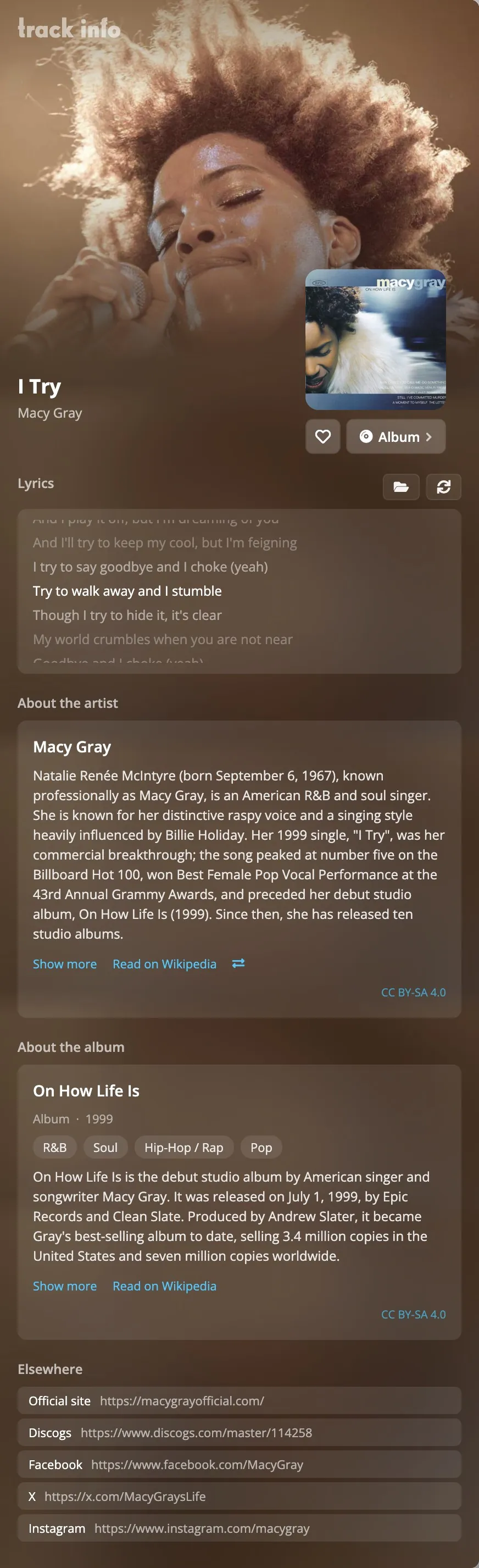
The Track Info pane shows everything rpm knows about the song that is playing: lyrics, credits, the file, and articles about the album and the artist. Each album also has its own page.
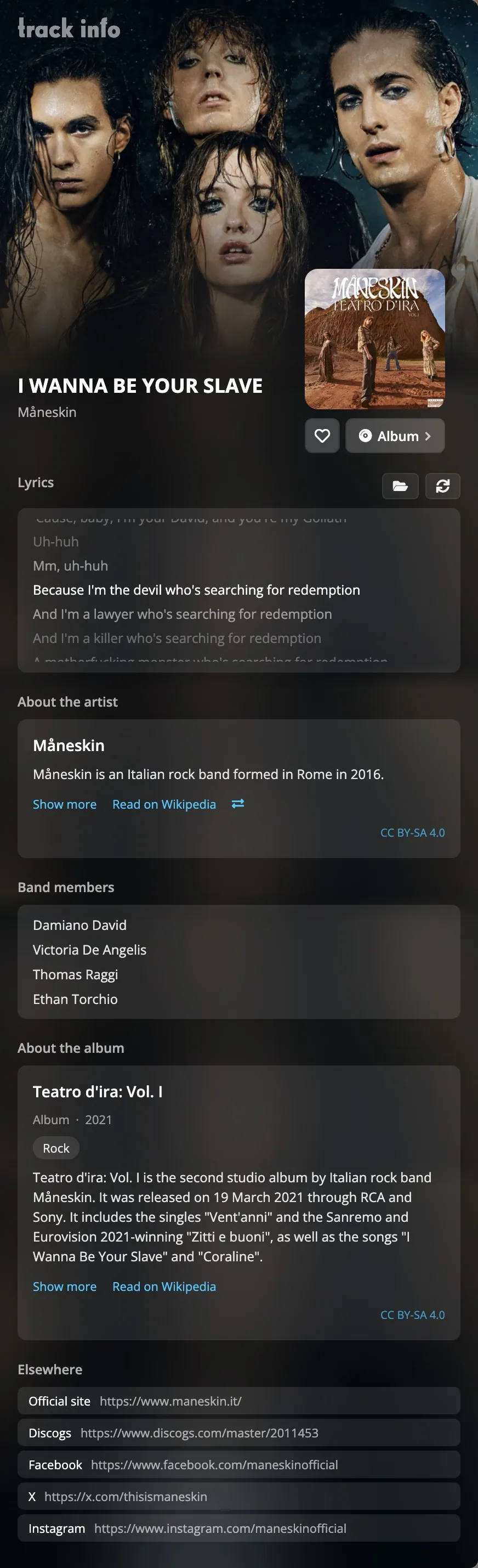
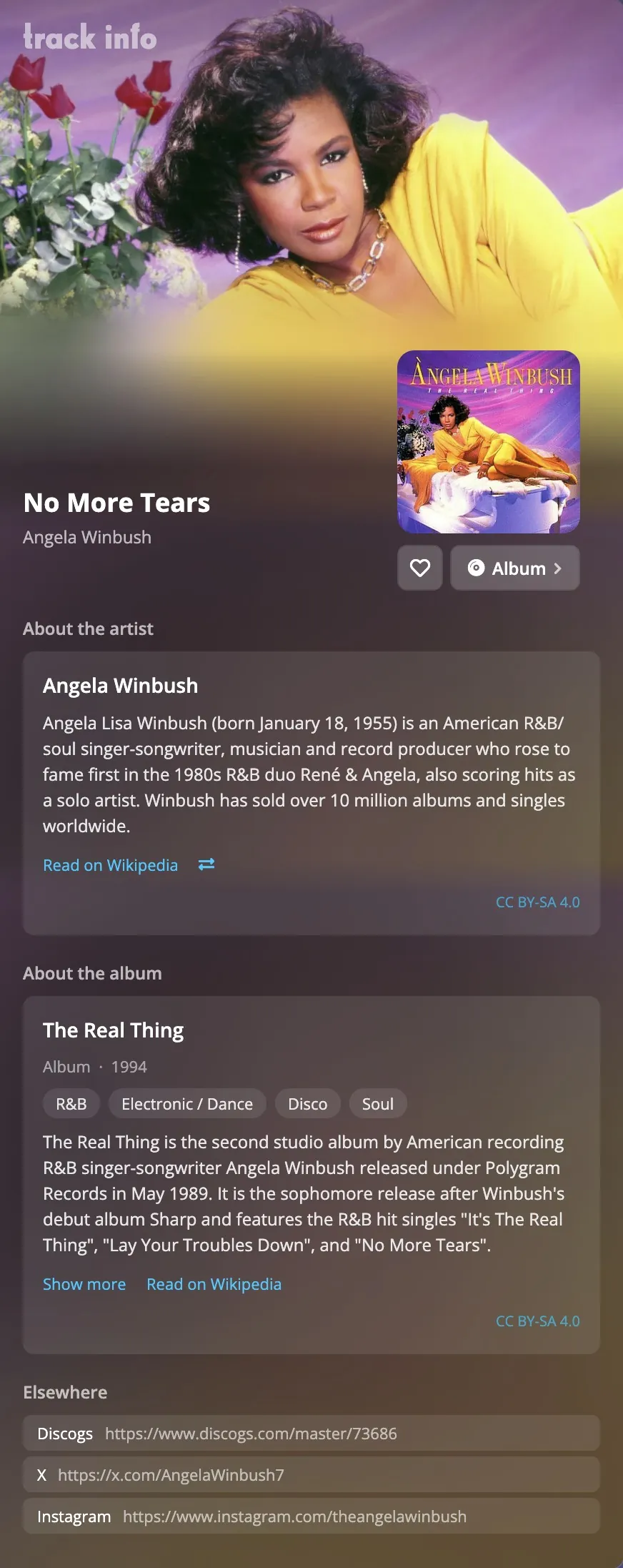
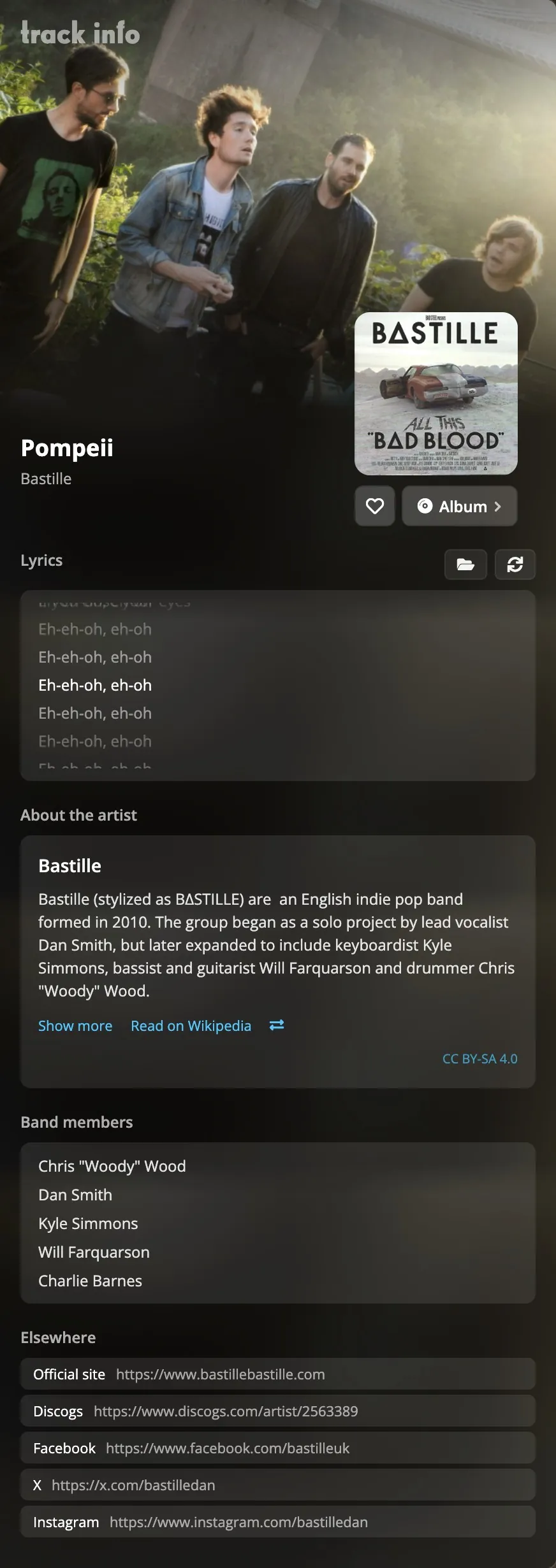
In the Track Info pane
- The record
- The cover, with a heart for the album and a button to its album page.
- Song
- The song's own details.
- Credits
- Who wrote, played and produced it, where your files or the catalogue have it.
- File
- Length, encoding, sample rate, bit rate, channels, size, file name and folder.
- Collection
- When you added it, when you last played it, how often, and its rpm ID.
- Lyrics
- In time with the music when the lyrics are timed (.lrc); try another version, or use your own file.
- About the artist
- The Wikipedia article and the band members.
- About the album
- The Wikipedia article on the album.
- Elsewhere
- The artist's official site and their pages on other services.
When an artist's name is shared by more than one act, choose the right one with Choose artist, and rpm remembers it.
album pages.
An album page has the cover and the tracklist, the Wikipedia article, the release your copy is linked to, ratings and reviews, and similar albums from your own collection.
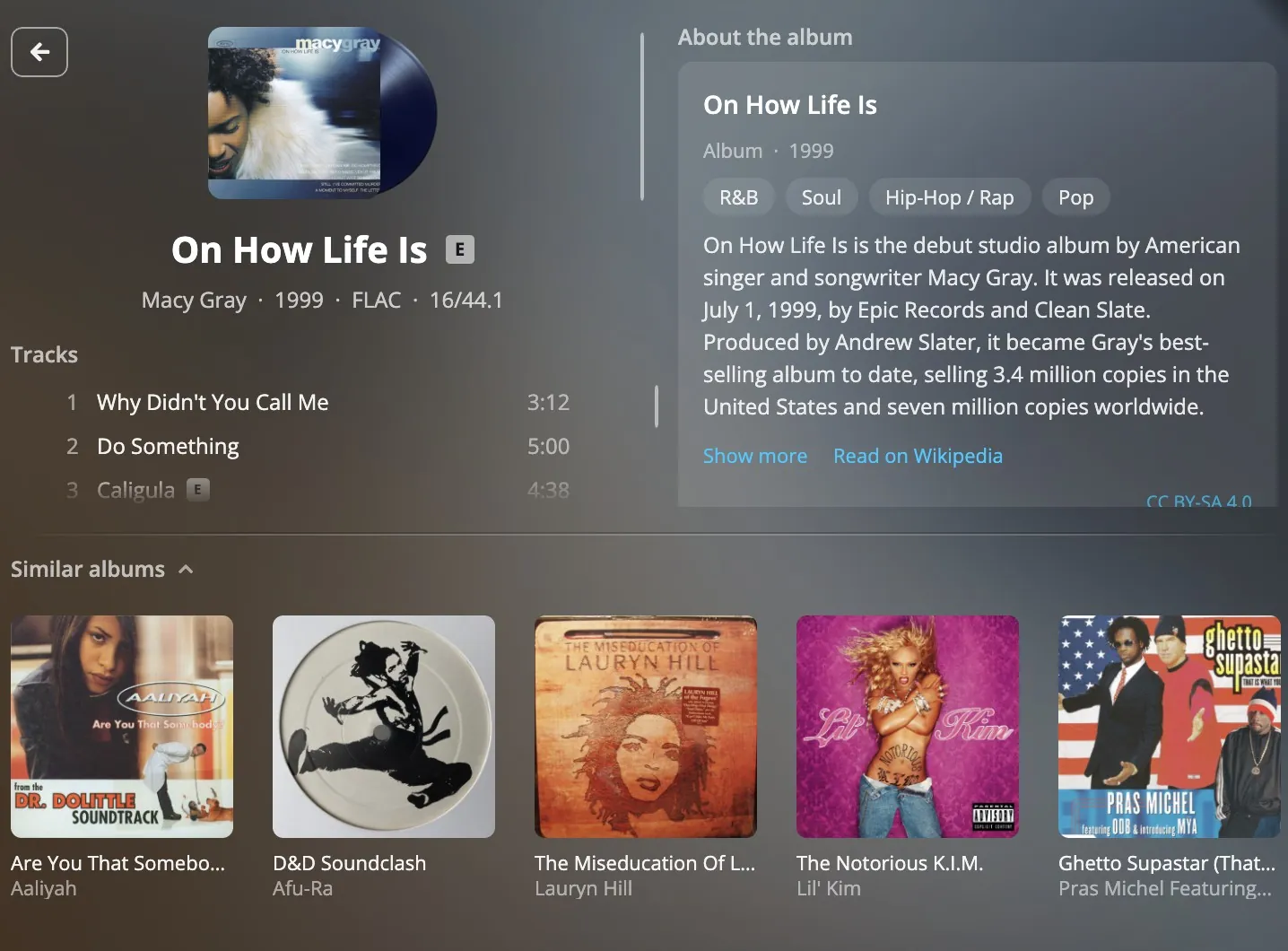
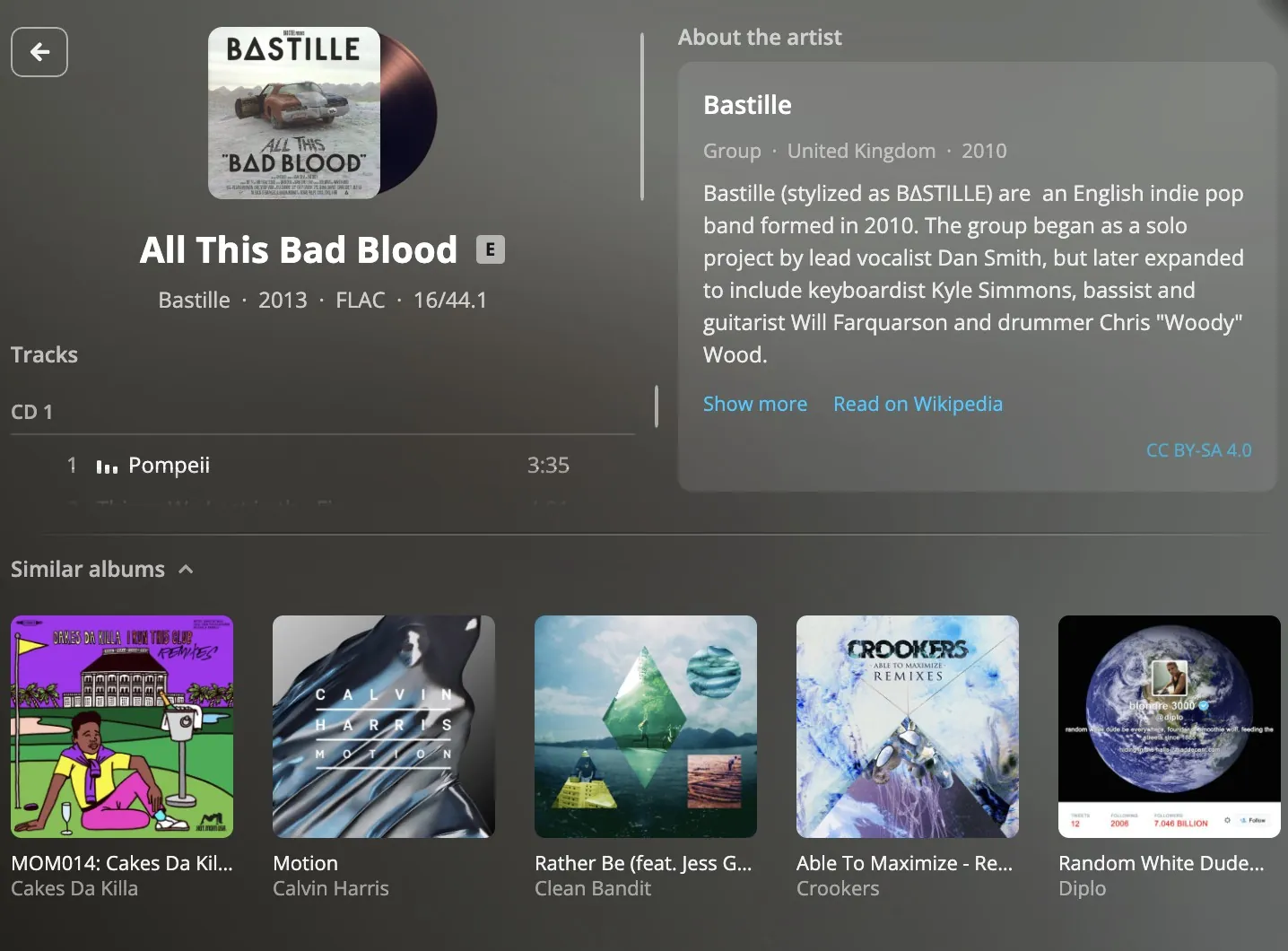
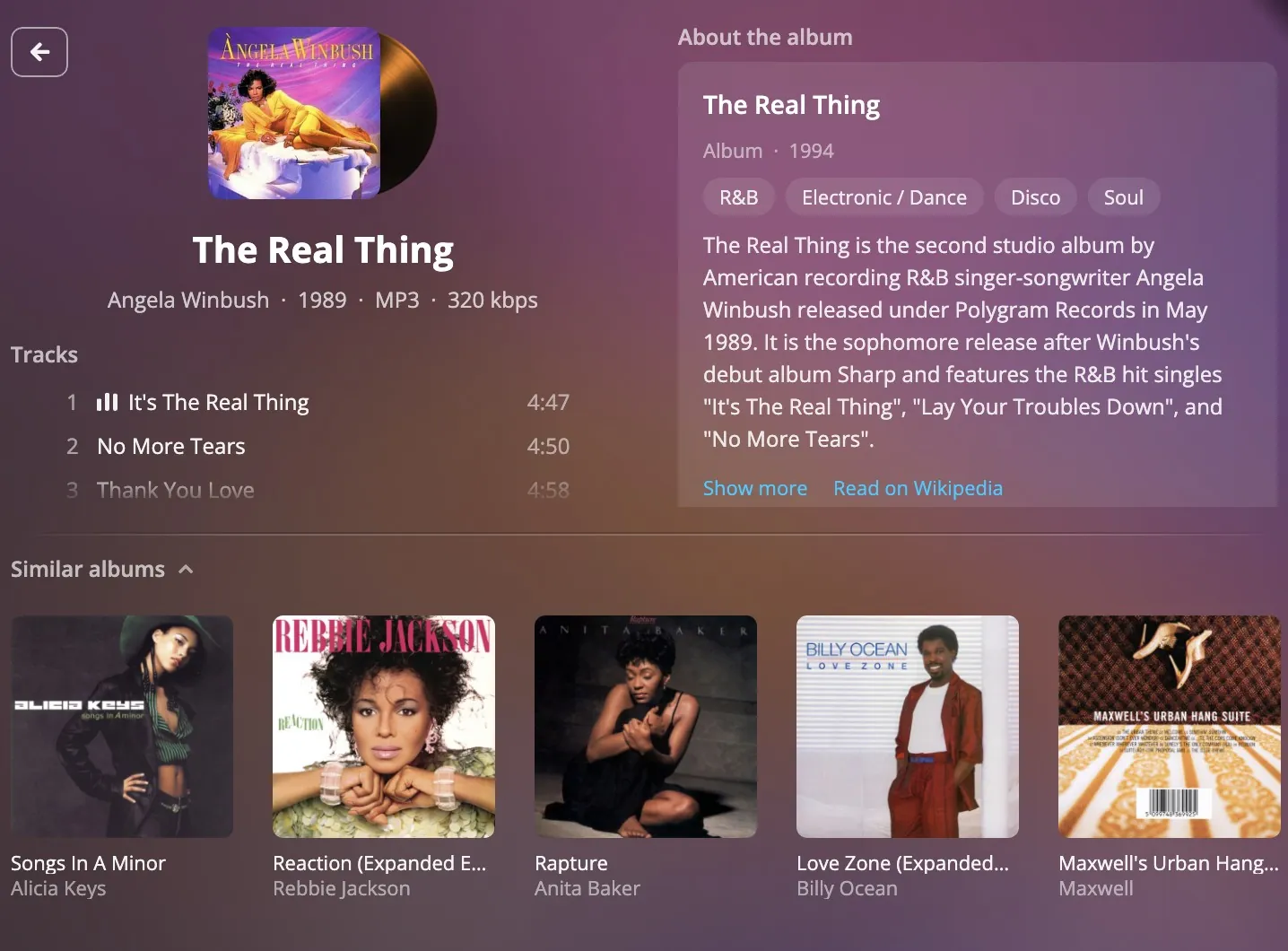
Tracklist
Grouped by disc, with works and movements for classical. The track you play most is marked with a star.
The pressing
Catalogue number, format and Discogs ID of the release your copy is linked to.
Ratings
Your rating and the average from everyone who owns the record.
The groove
Reviews and comments from other owners of the album. Community
Similar albums
Albums from your own collection that are similar to this one.
About the album
The Wikipedia article, with a one-line summary at the top.
Immersion
colours and photographs.
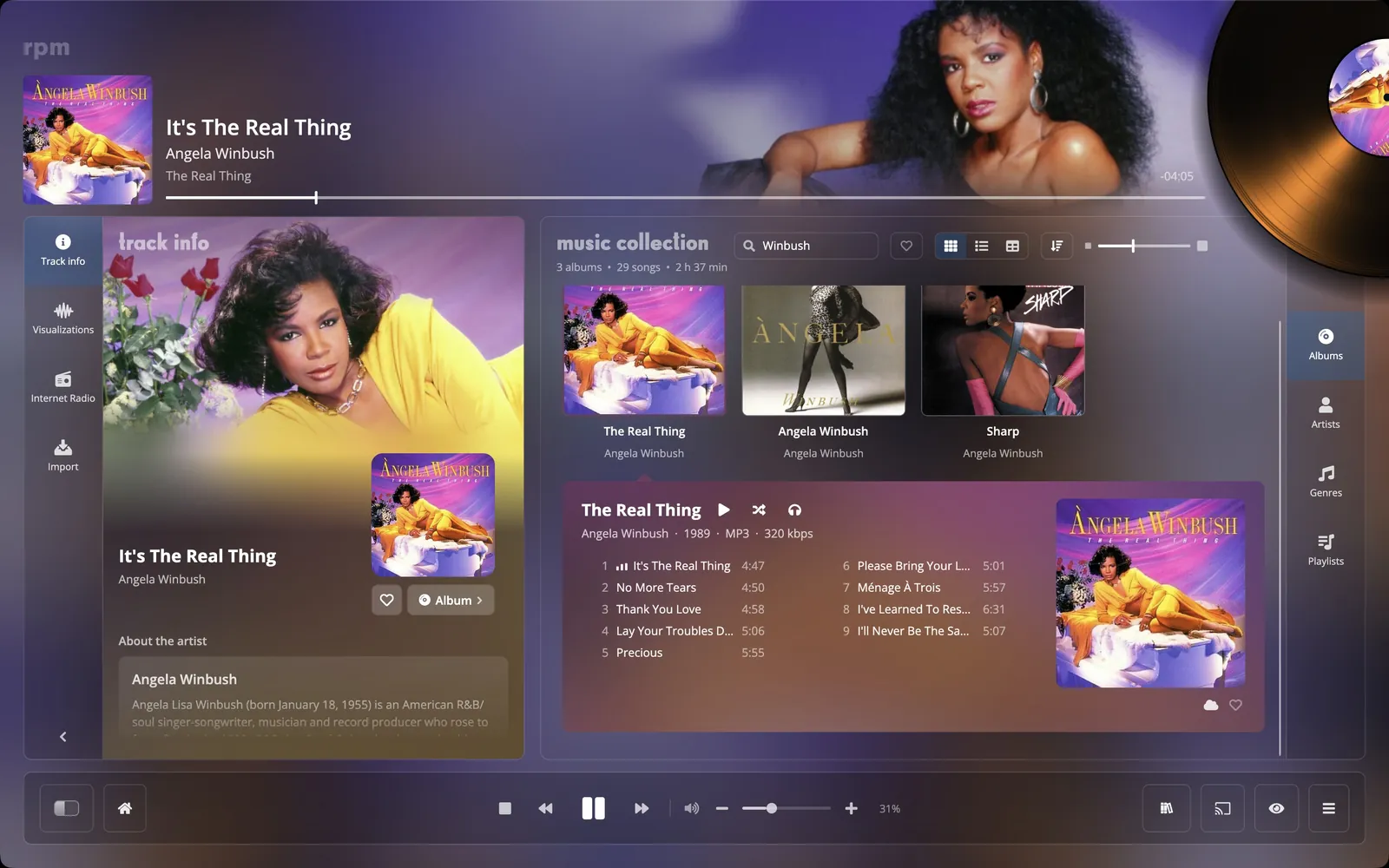
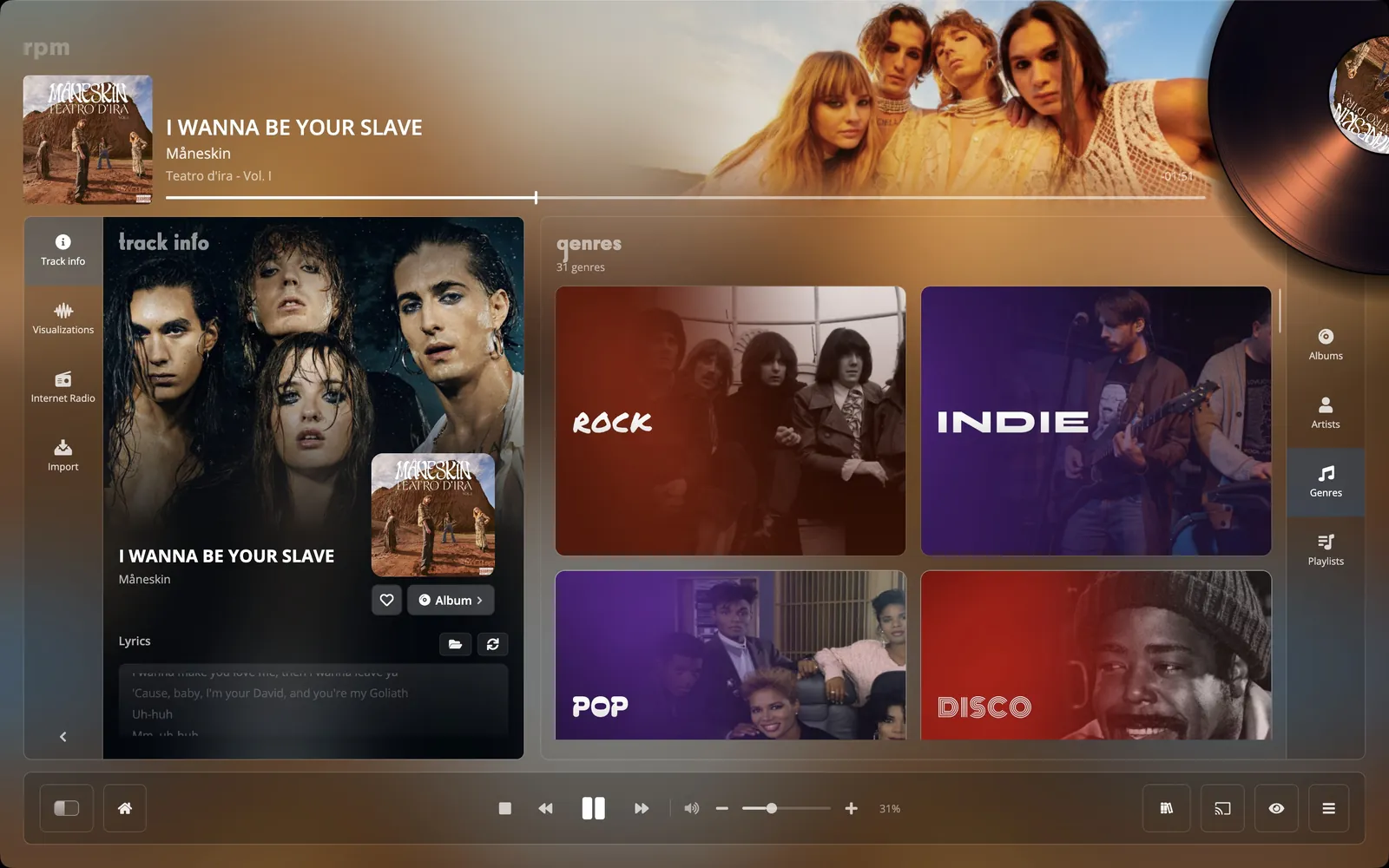
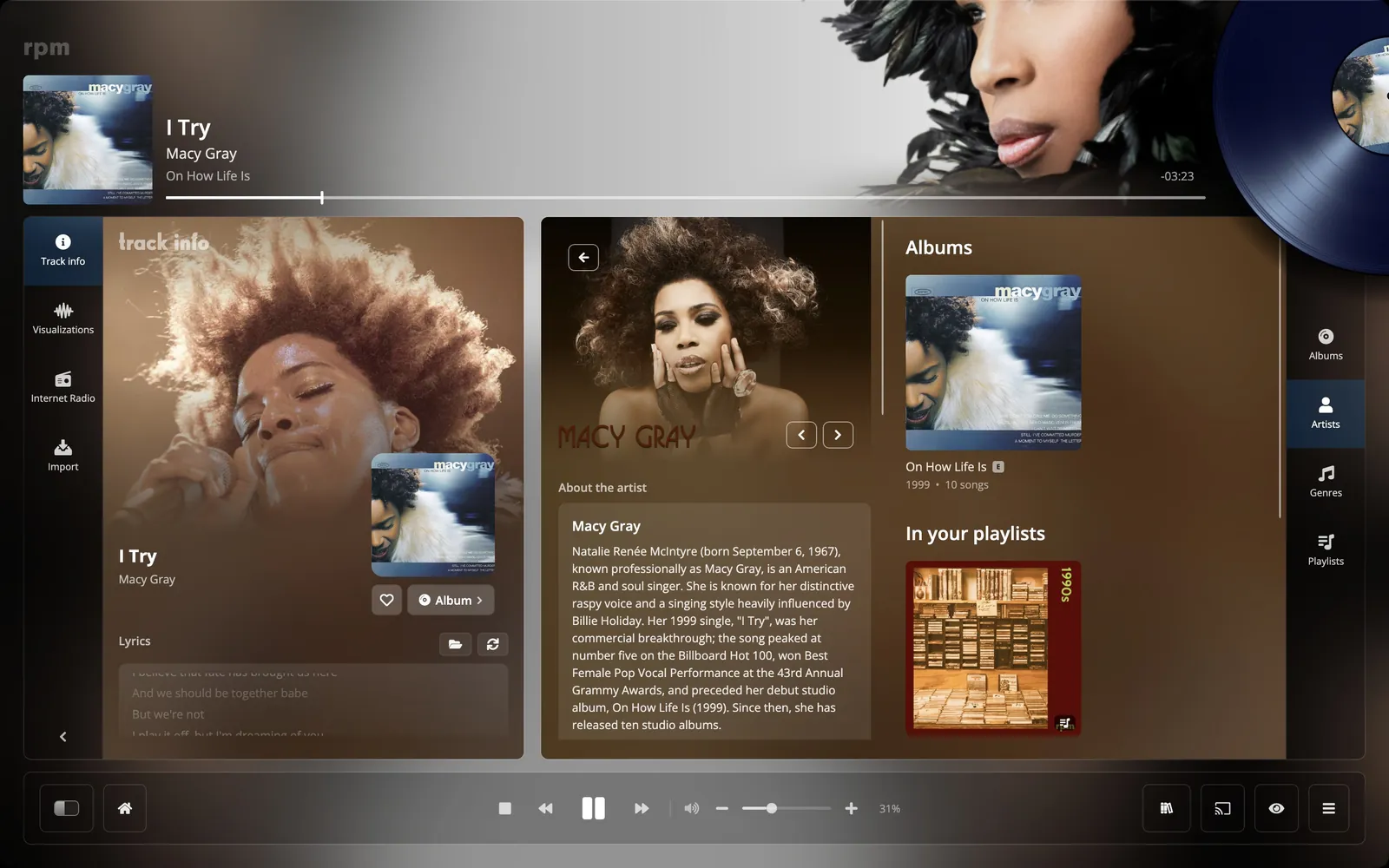
While a song plays, the window takes its colours from the cover, a record in the colour of the sleeve turns in the header, and photographs of the artist are shown behind it.
The photographs come from TheAudioDB, fanart.tv and Wikimedia. You can also use your own and position it.