 Skip to content
rpamp, the small player.
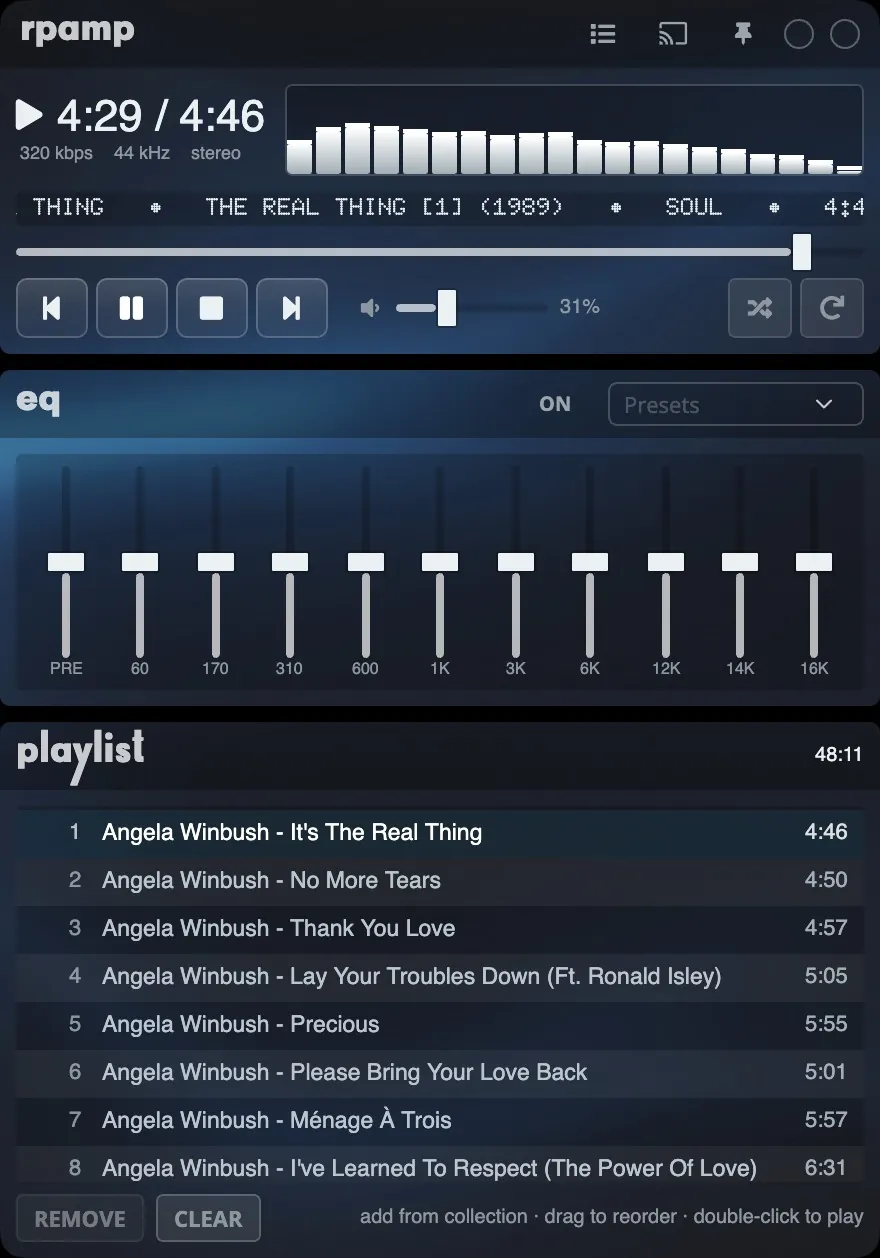
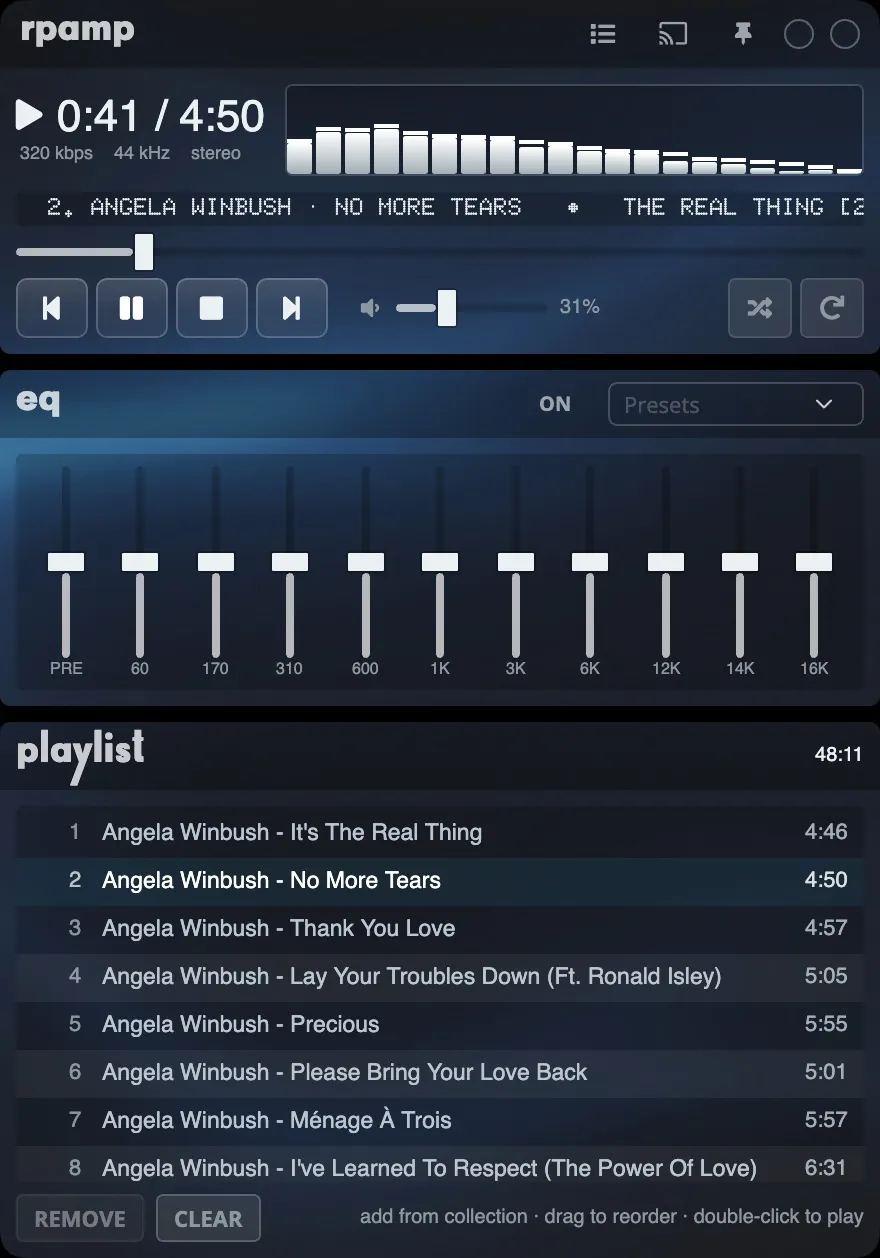
RPaMp is a small player window, laid out like the classic desktop music players: player, equaliser, playlist and a browser for your collection.
Open RPaMp
Choose RPaMp from the view menu on the player. Choose Library to go back to the full window. Turn on Keep on top to keep RPaMp above your other windows.
The player
Play, pause, previous and next, the position, volume, shuffle and repeat. A ticker shows what is playing, including who composed it. Click the spectrum to change it:
- Bars
- Oscilloscope
- Mirrored
- Off
Equaliser
Ten bands and a preamp, with eight presets. The settings are remembered for each output, so your headphones and your speakers each keep their own. The same equaliser works while casting.
Playlist
Add from your collection, drag to reorder, and double-click to play. Remove a track or clear the list.
Collection
Browse your collection by artist and album, or open one of these lists:
- Most played
- Recently added
- Recently modified
- Recently played
- Never played
- Favourites
- Playlists
Search the collection from the box at the top.