 Skip to content
Views manual
the library.
Everything the main window can show, and how each view works.
The window
The main window has a header across the top, the player along the bottom, and a rail of panes down each side.
- Header
- The artwork of what is playing, a record turning in the colour of its sleeve, and a photograph of the artist behind it. Drag it to open or close it.
- Left rail
- Track Info, Import, Visualisations, Internet Radio.
- Right rail
- Albums, Artists, Genres, Playlists.
- Player
- Play, pause, previous, next, the position, volume, like and dislike, casting, sharing, and the view menu: Library, RPaMp or Pegasus.
A pane can be folded away. With nothing playing and the panes closed, the window stands on your chosen background; while a record plays, it takes on the colours of the artwork.
Home
Home opens once your collection has 25 albums; until then it shows how many are still to go. It changes with every launch.
- Banner
- A paged banner of records to play: continue playing, recently added, made for you, recommended, most played, recently listened, and a radio station. Artist photographs are cropped around faces.
- Quick selection
- The songs, albums, playlists and radio stations you play most, with Play all tracks.
- Rows
- Made for you, Recently listened, Recommended for you, Based on your listening, Most played, Recently added.
Album wall
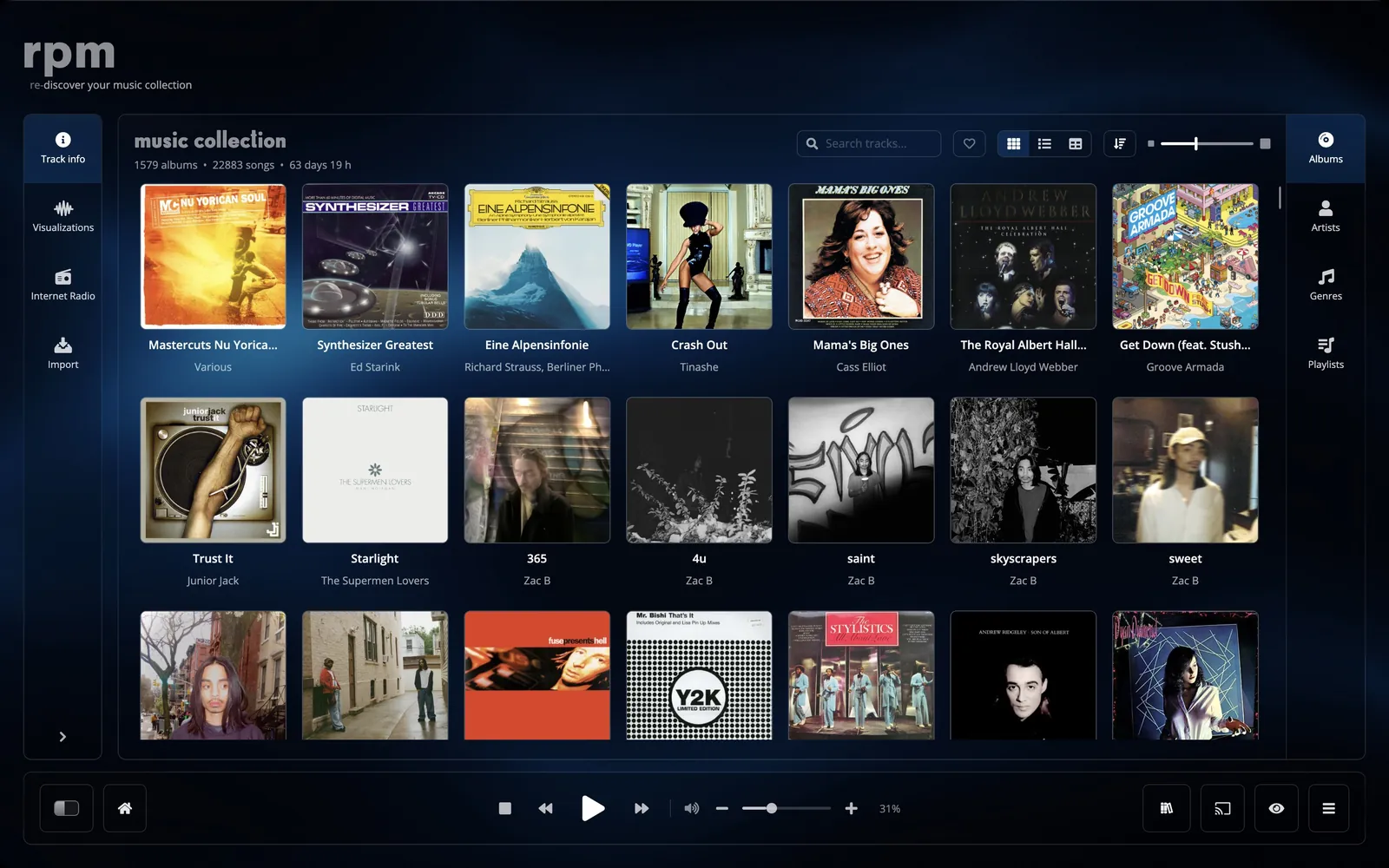
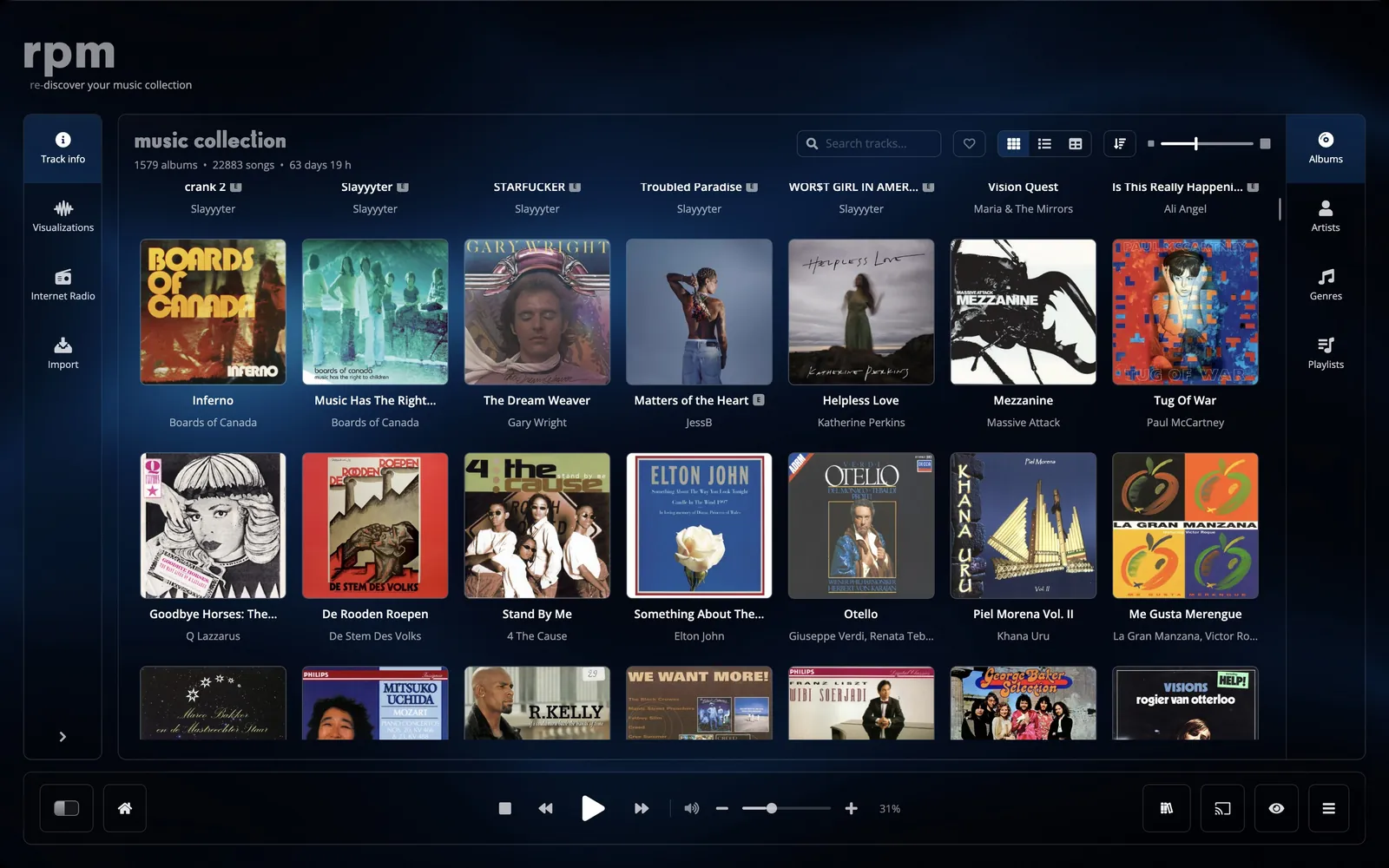
Your albums as covers. Click a cover to open its tracks underneath it, with Play and Shuffle; open the album page from there.
- Sort by artist, by album, recently added, by year, or most played.
- A slider sets the size of the covers.
- Show favourites only.
List
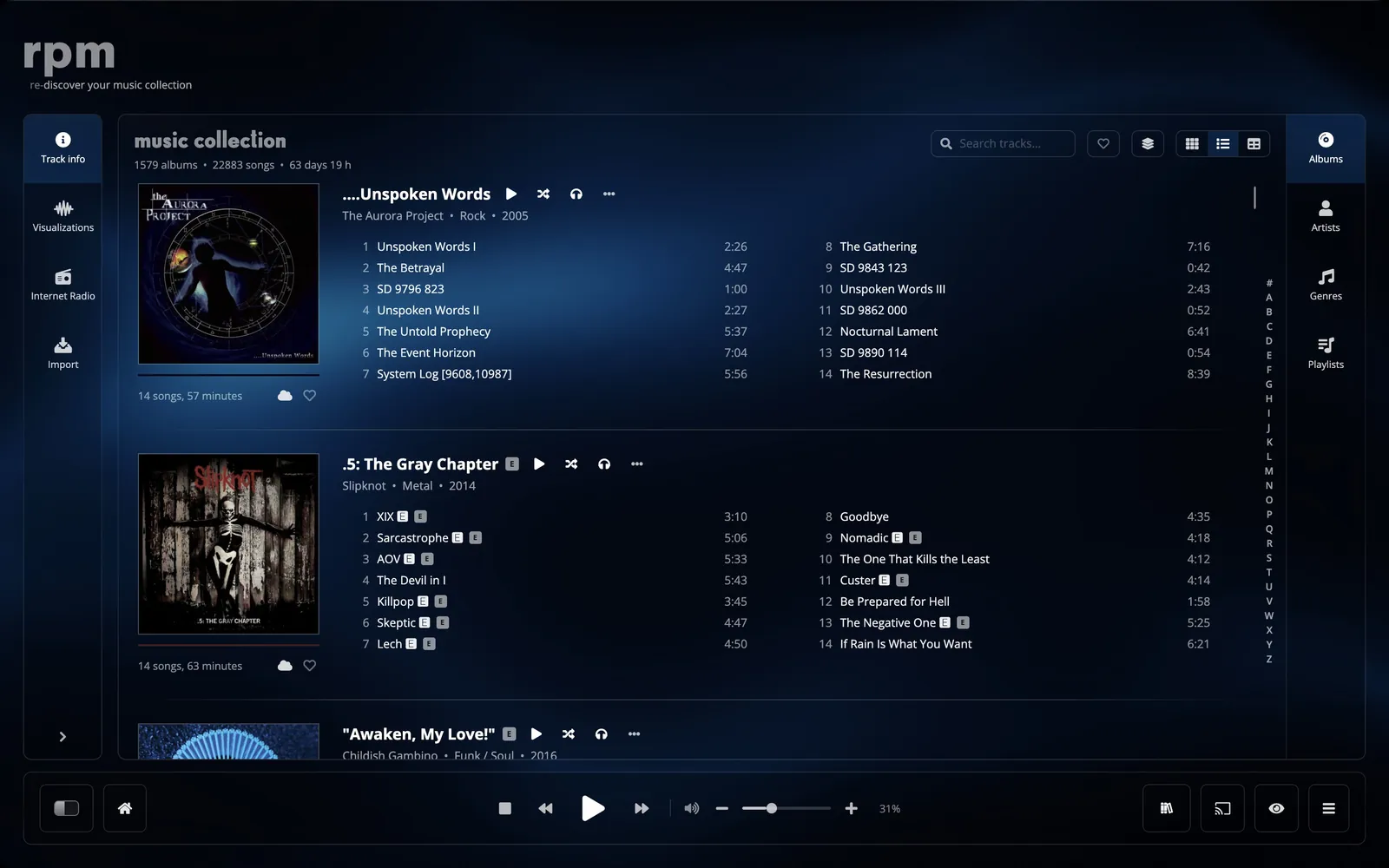
Each record with its cover beside its tracks. Group the list by nothing, by artist, by genre or by year.
Table
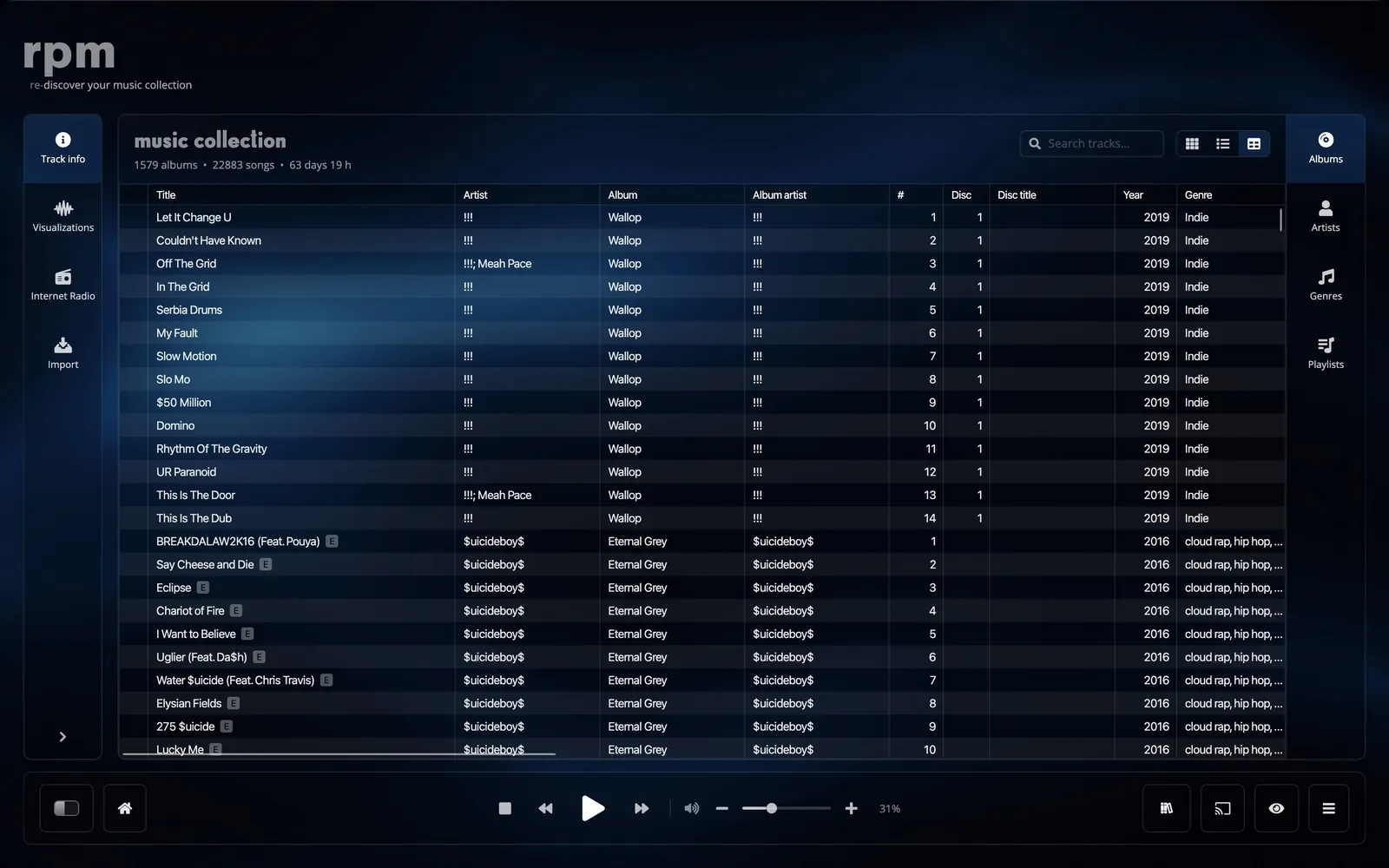
One row per track and a column for every detail. Sort on any column, filter by a value or by text (starts with, contains, ends with), choose which columns to show, and select many rows at once to edit them together.
- Columns
- Track number, title, artist, album, album artist, disc, disc title, composer, work, genre, subgenre, year, length, plays, last played, added, kind, codec, bit rate, sample rate, bit depth, channels, size, cloud, folder, file, rpm ID.
Artists
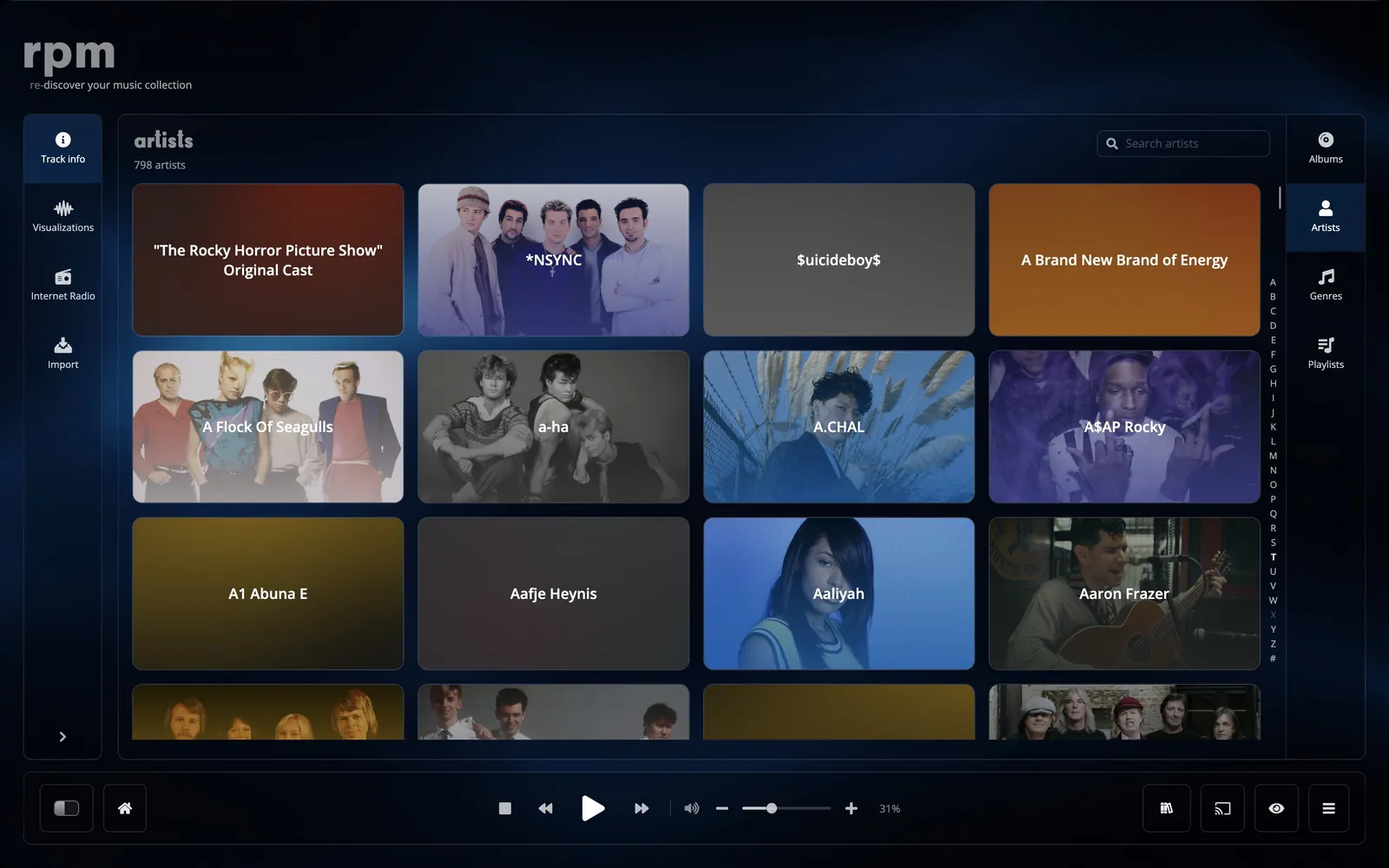
A wall of every artist in your collection, with search. Sort by name, most albums, most tracks or recently added.
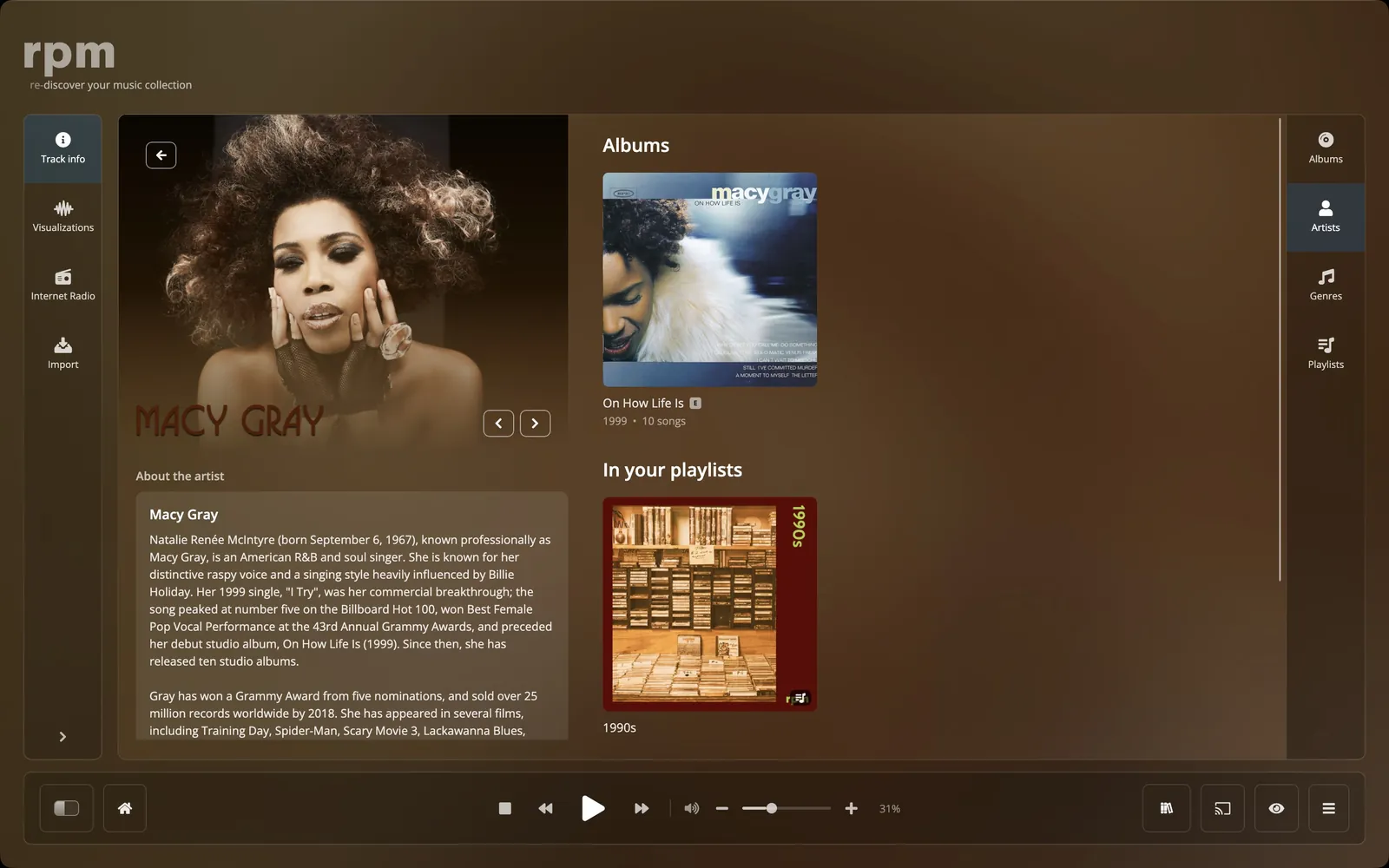
The artist page
- Photographs of the artist, as a slideshow.
- The Wikipedia article, the band members, and links to their other pages.
- Your records sorted into albums, live albums, soundtracks, compilations, singles, collaborations and appearances.
- Most popular: their records ranked by how many collectors on Discogs have them. Connect a Discogs account to see it.
- All tracks, searchable and grouped by letter or by year.
- In your playlists: the playlists their songs are in.
- A Wall where anyone with an account can write about the artist. See Community.
Genres
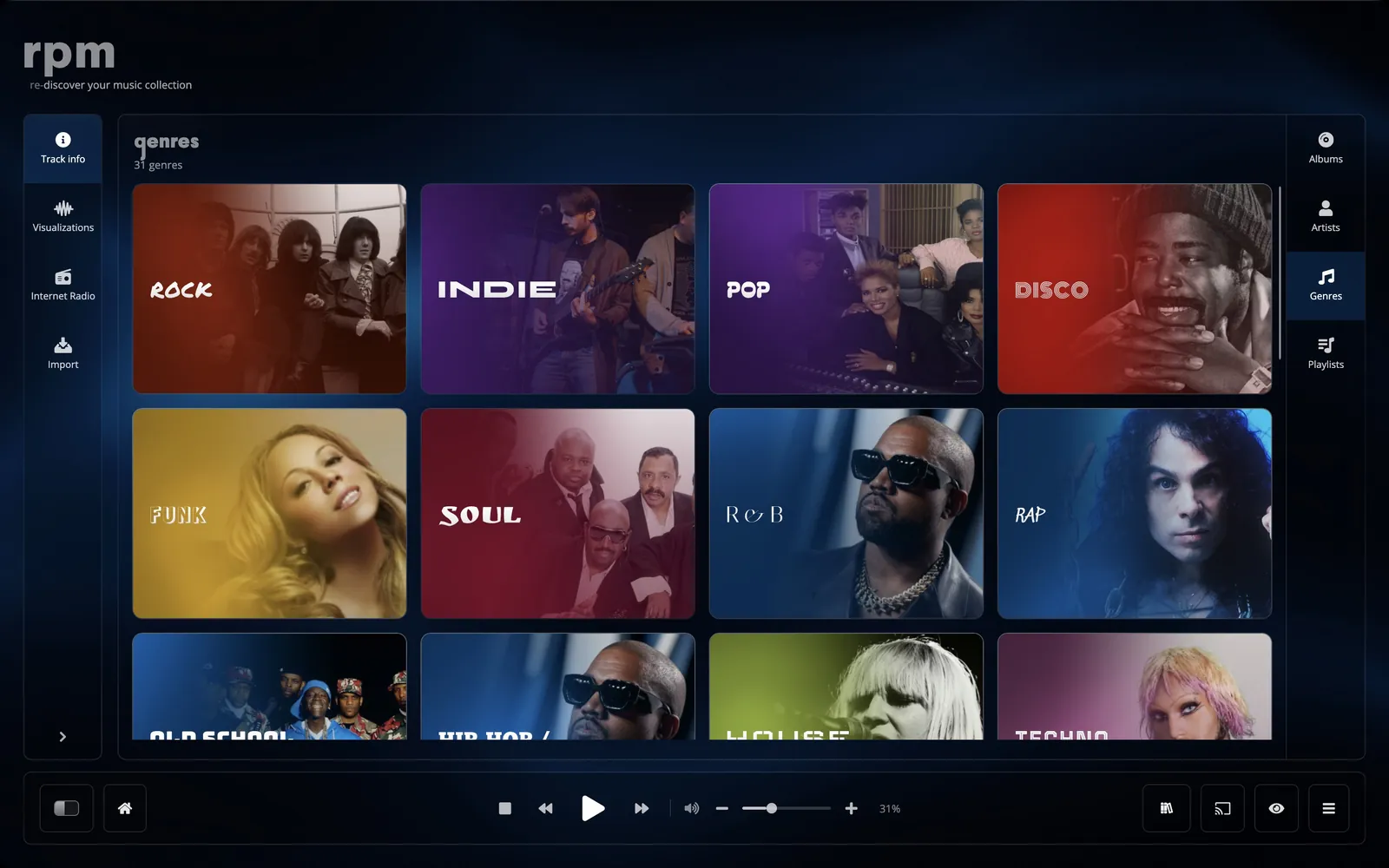
A card for each of the 35 genres in your collection, its name set in a typeface that suits it, over a photograph of one of its artists.
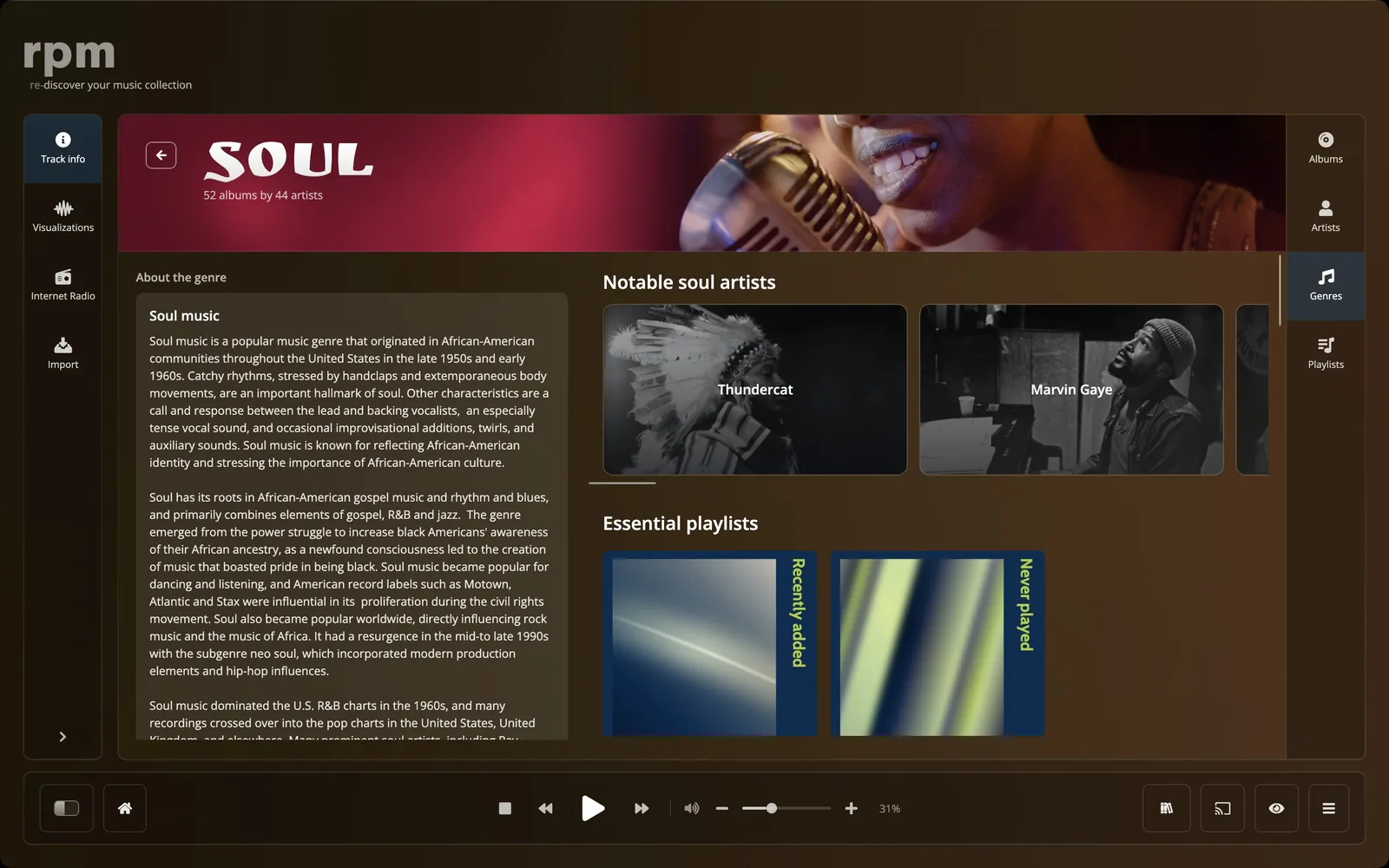
The genre page
- About the genre, from Wikipedia.
- Its subgenres, with how many of your albums are in each.
- Recently added albums and notable artists in the genre.
- Popular tracks worldwide, and your own most played songs in the genre.
- Essential playlists and mood playlists for the genre.
- Era in: the genre decade by decade.
Playlists
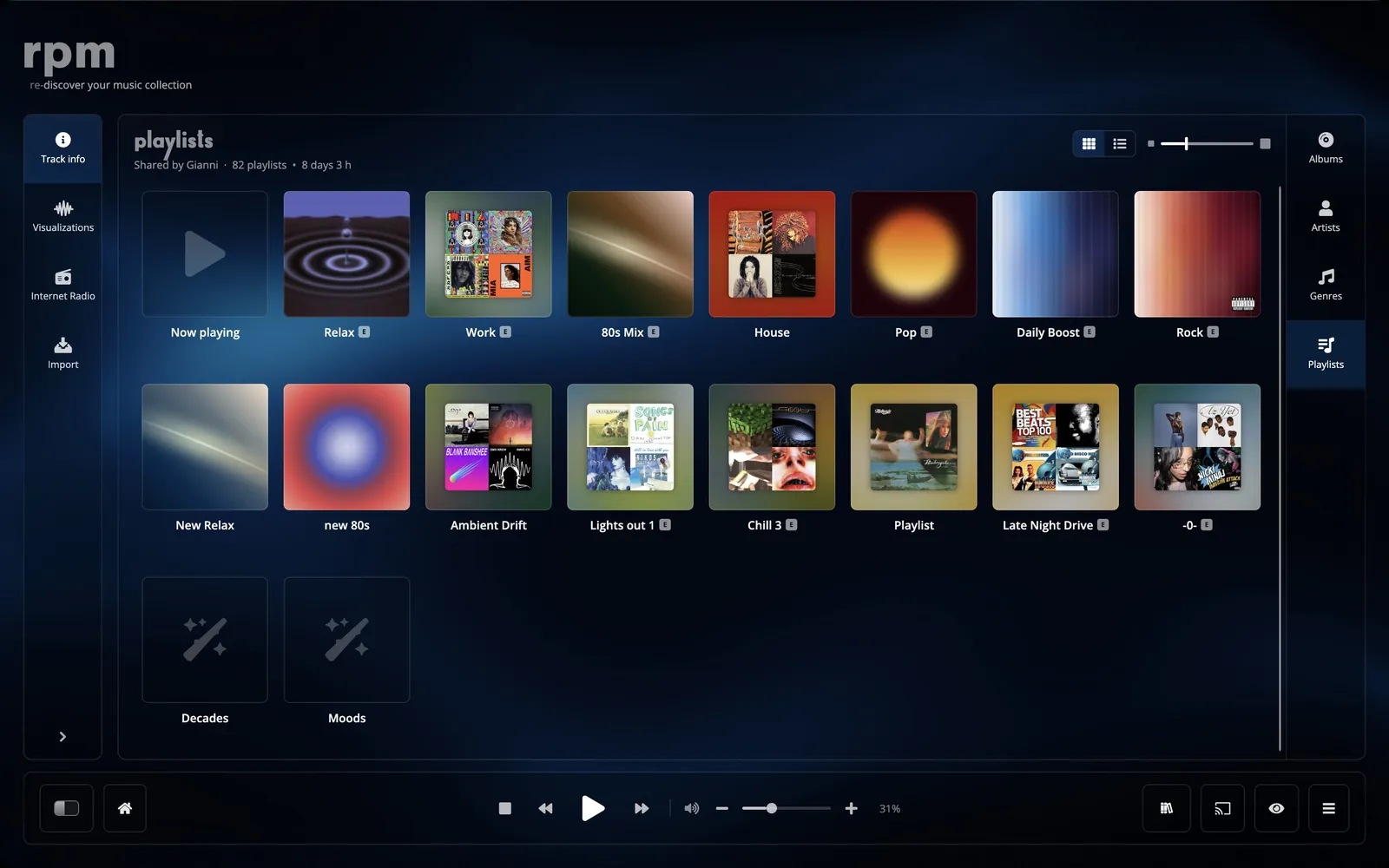
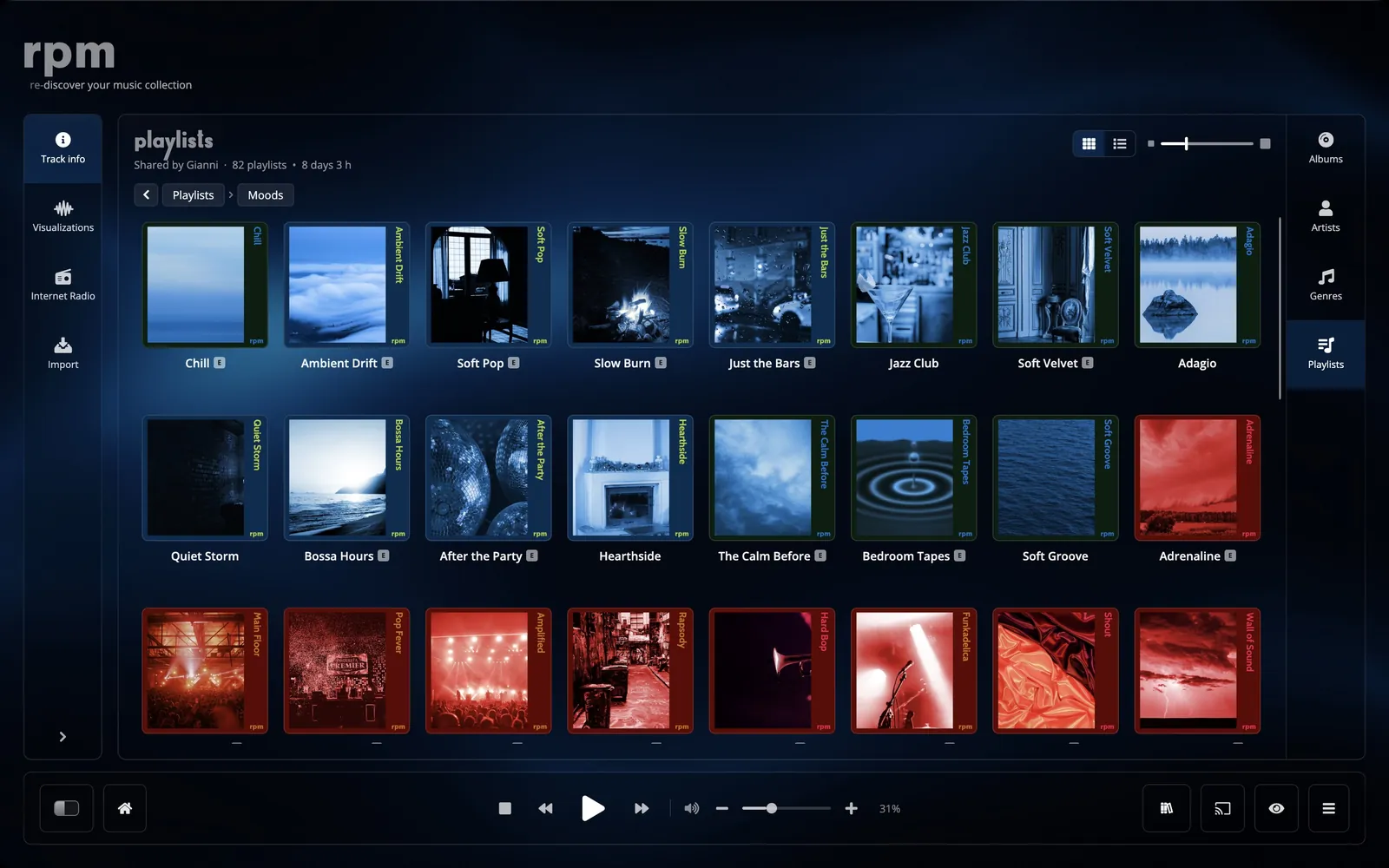
Your playlists as a tree or as a grid of covers, with folders inside folders. Rename, delete and drag them; rpm warns you before a song goes into a playlist twice, and shows each playlist's total length. The lists rpm makes for you live here too. See Playlists.
Search and keys
- Cmd or Ctrl + F
- Jump to the search for the screen you are on: the collection, artists, an artist's songs, import or radio.
- Space
- Play or pause.
- Media keys
- Play, pause, next and previous from the keyboard, headphones, Control Center on a Mac, or the media controls on Windows.
Display settings
- Background
- Default, Night, Pegasus, Gold (supporters), or your own picture.
- Spinning record
- Show or hide the record turning in the header.
- Artist photographs
- Show or hide them behind the header.
- Hints
- Show the first-run hints again.
- Language
- English, French, Spanish, German, Simplified Chinese.