 Skip to content
rpm for android tv.
rpm for Android TV and Google TV plays your collection on the TV and is used with the TV remote. It is almost finished; the beta testers will get it first.
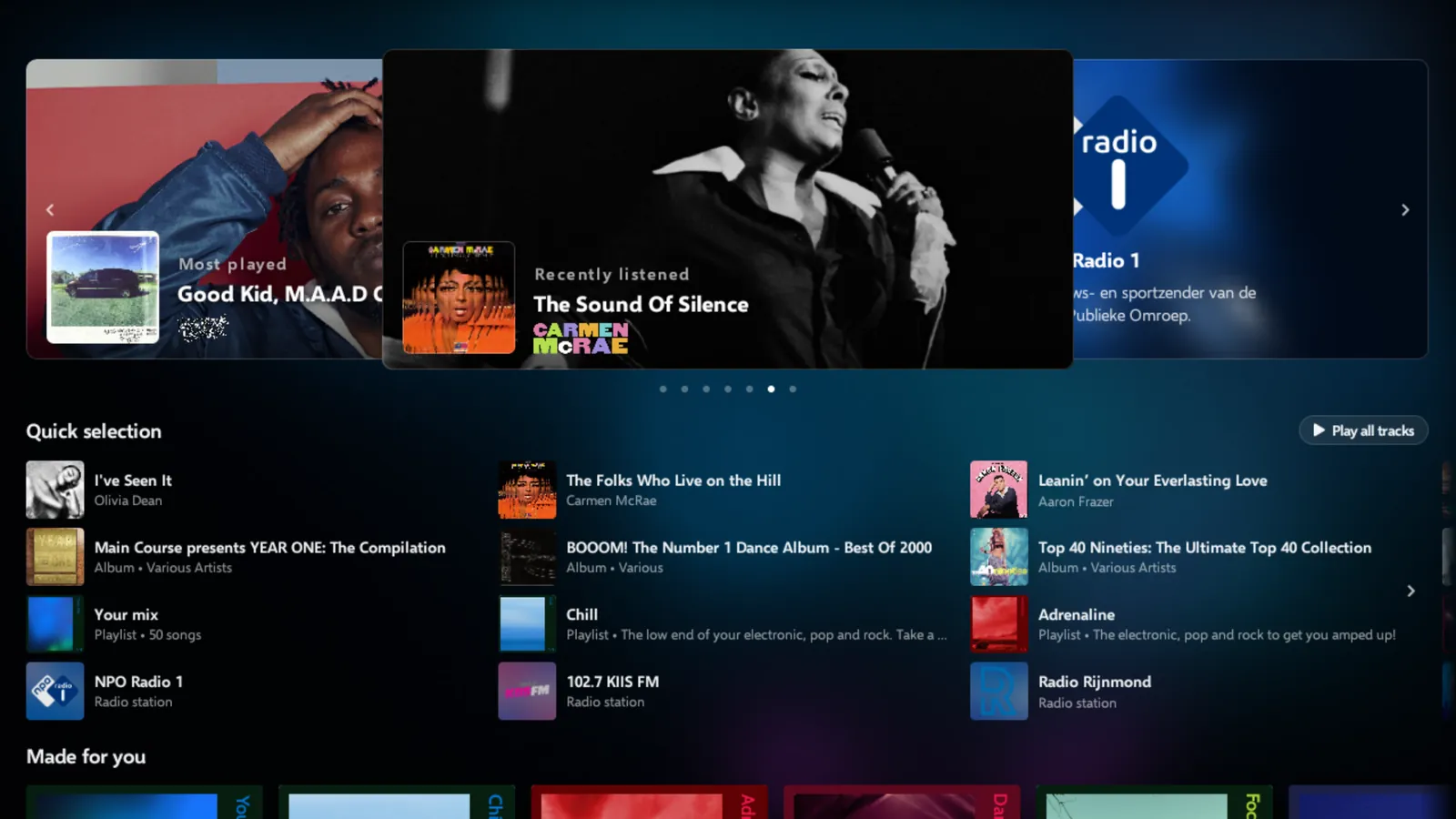
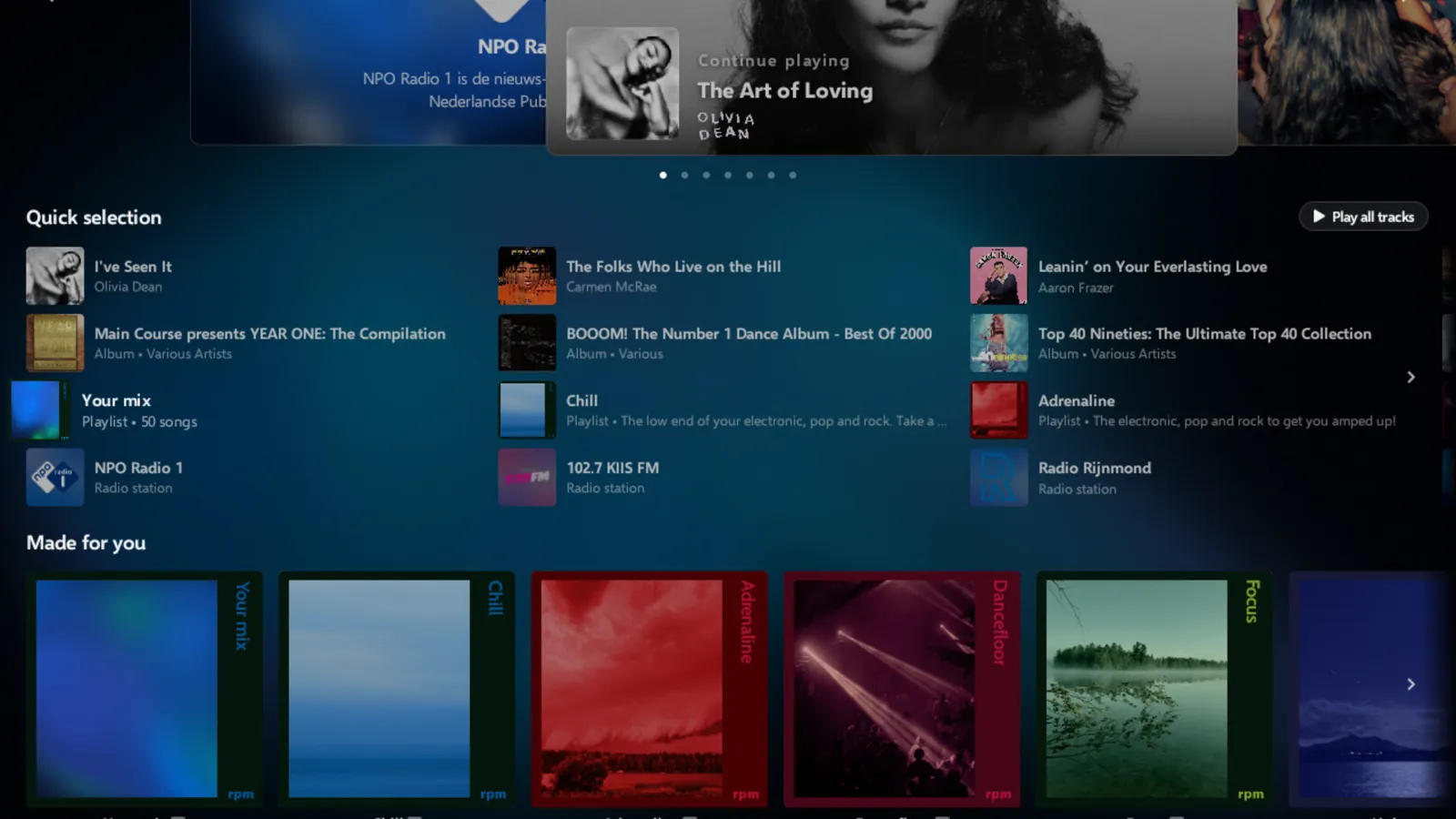
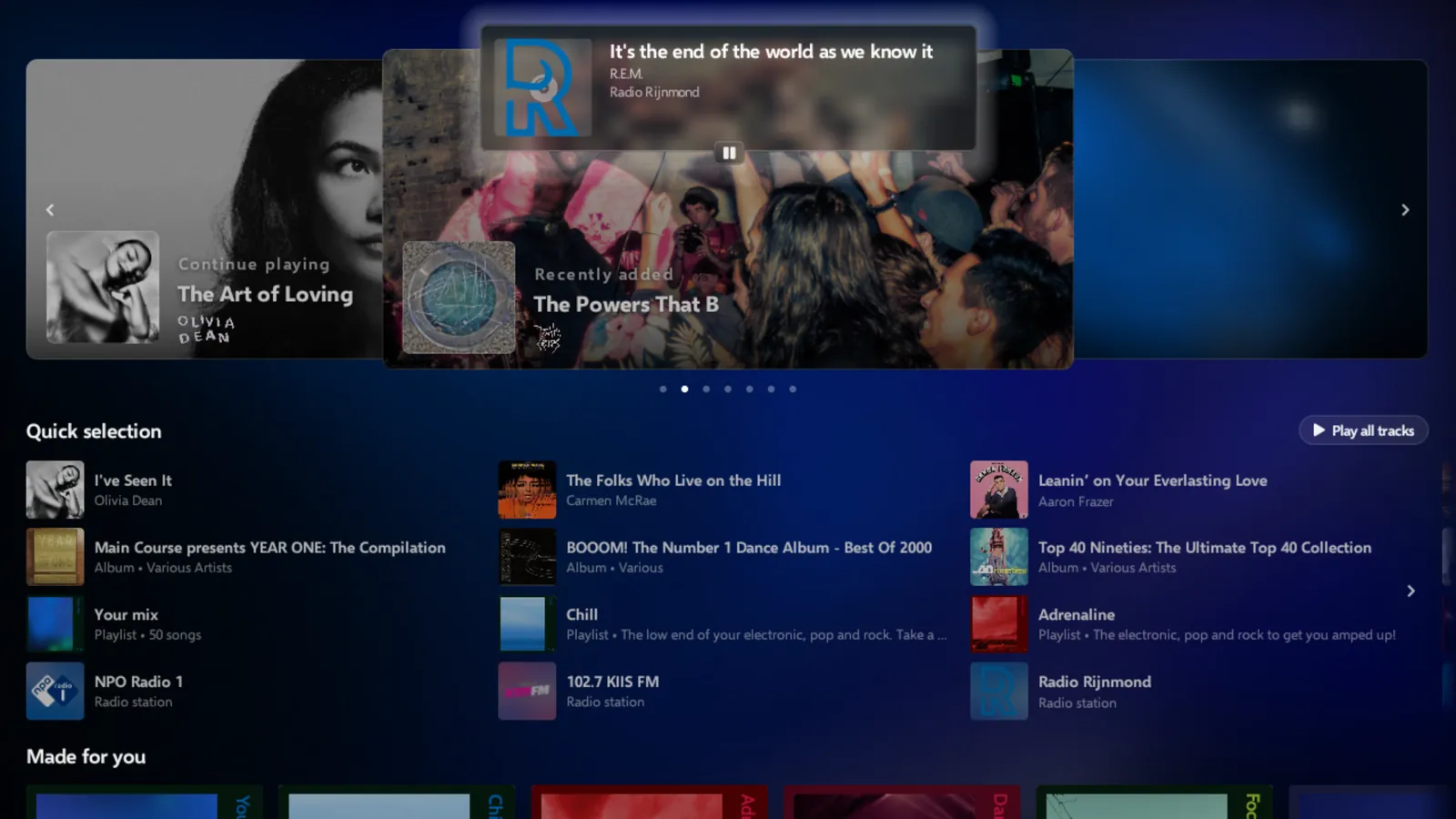
the player.
The TV app uses the same design as Pegasus on the desktop. The player shows the record half out of its sleeve, on a moving background in the colours of the cover that reacts to the audio. A key on the remote shows the lyrics next to the record, in time with the song.
browsing with the remote.
Home
A banner of albums, your quick selection, the playlists made for you and rows of albums, as on your computer.
Album wall
Your cloud library as covers, with a search field.
Album pages
Play or shuffle, the tracklist, the start of the Wikipedia article and the genres.
Playlists
Your own playlists and the playlists rpm makes. New playlists are named with the TV's on-screen keyboard.
Favourites
Hold OK on a track to add it to your favourites or to a playlist.
Up next
The queue opens next to the player, where you can change what plays next.
At home
computers in your home.
The TV finds computers on your network that run rpm with sharing on. After pairing with a code, the computer's music is added to the library on the TV. Each track plays from the computer when it is reachable, and from the cloud when it is not.
Collections that other accounts share with yours are listed in the collections panel.

radio.
Internet radio with a wheel and a tuner for the remote. It shows the song on air, keeps favourite stations, and reconnects a station that drops. The stations you listen to most are shown first, and your radio listening syncs with the iPhone and your computers.
the details.
- Devices
- Android TV and Google TV, Android 9 or later
- Signing in
- Scan the code on the TV with your phone's camera and sign in on the phone.
- Music
- Your rpm cloud library, the computers in your home, and collections shared with you
- Formats
- Decoders for ALAC, AC-3 and E-AC-3 built in, for boxes that do not have their own
- Sync
- Plays, favourites, playlists and radio listening sync with your other devices
- Start-up
- The library is cached on the TV, so home opens from the cache while the cloud is read again
- Performance
- On slower boxes rpm reduces animation, so the screen responds to the remote without delay
- Languages
- English, French, Spanish, German, Simplified Chinese
Until then
casting to a tv today.
Until the app is released, rpm can play on any TV with Google Cast built in or a Chromecast connected.
Cast to the TV
From rpm on your computer or iPhone. rpm's own receiver shows the record, the song details and a seek bar.
Use the TV remote
Previous, play, next and favourite from the TV remote. Next and previous also work from Google Assistant.
Screen off
The TV goes black and the music keeps playing.
Pegasus
Connect a computer to the TV and open rpm's full-screen player. Pegasus
join the closed beta.
Testers in the closed beta get rpm for Android TV as soon as it is ready.