 Skip to content
rpm for iphone.
The iPhone app plays your collection from the rpm cloud. The music gets there from rpm on your Mac or PC. You can download albums to the phone to play them without a connection.
Your collection
your library on the phone.
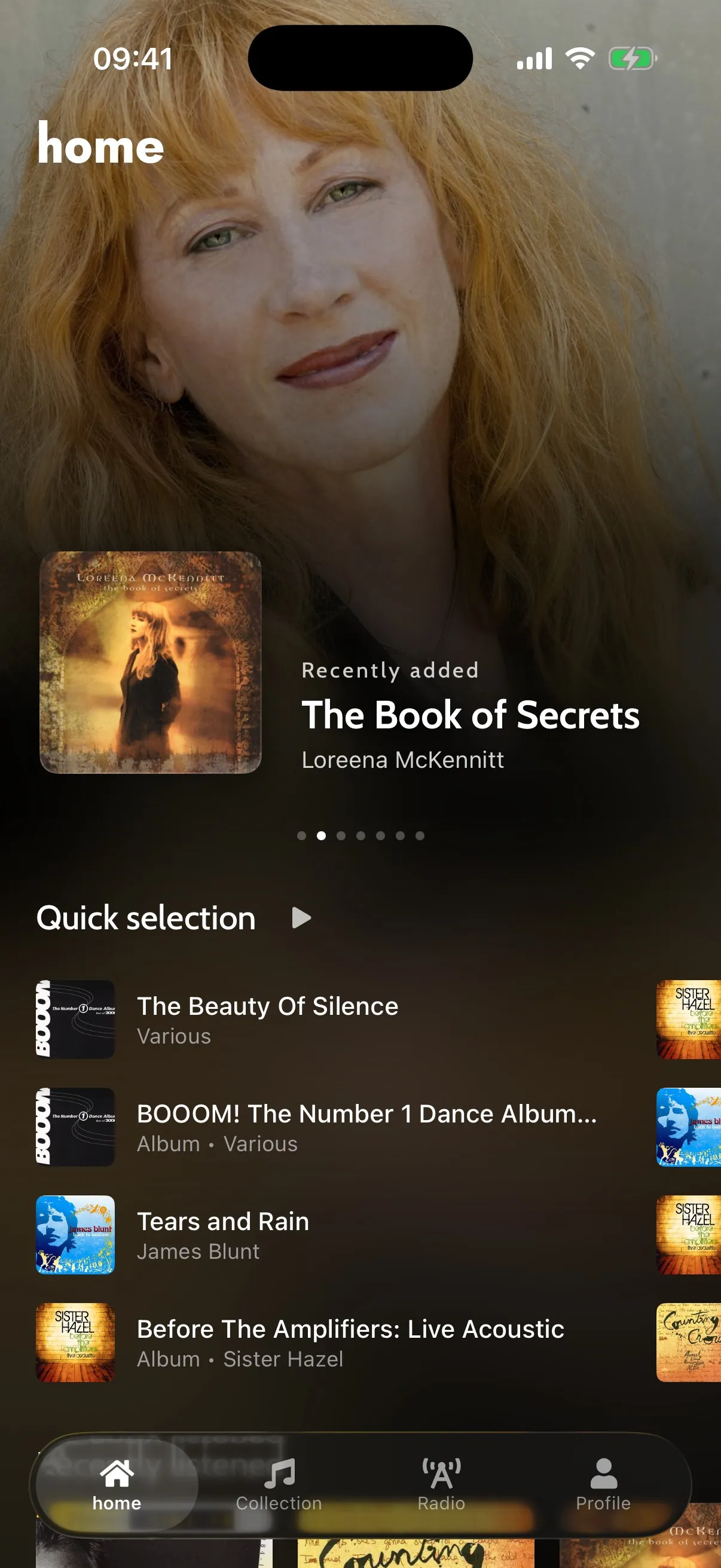
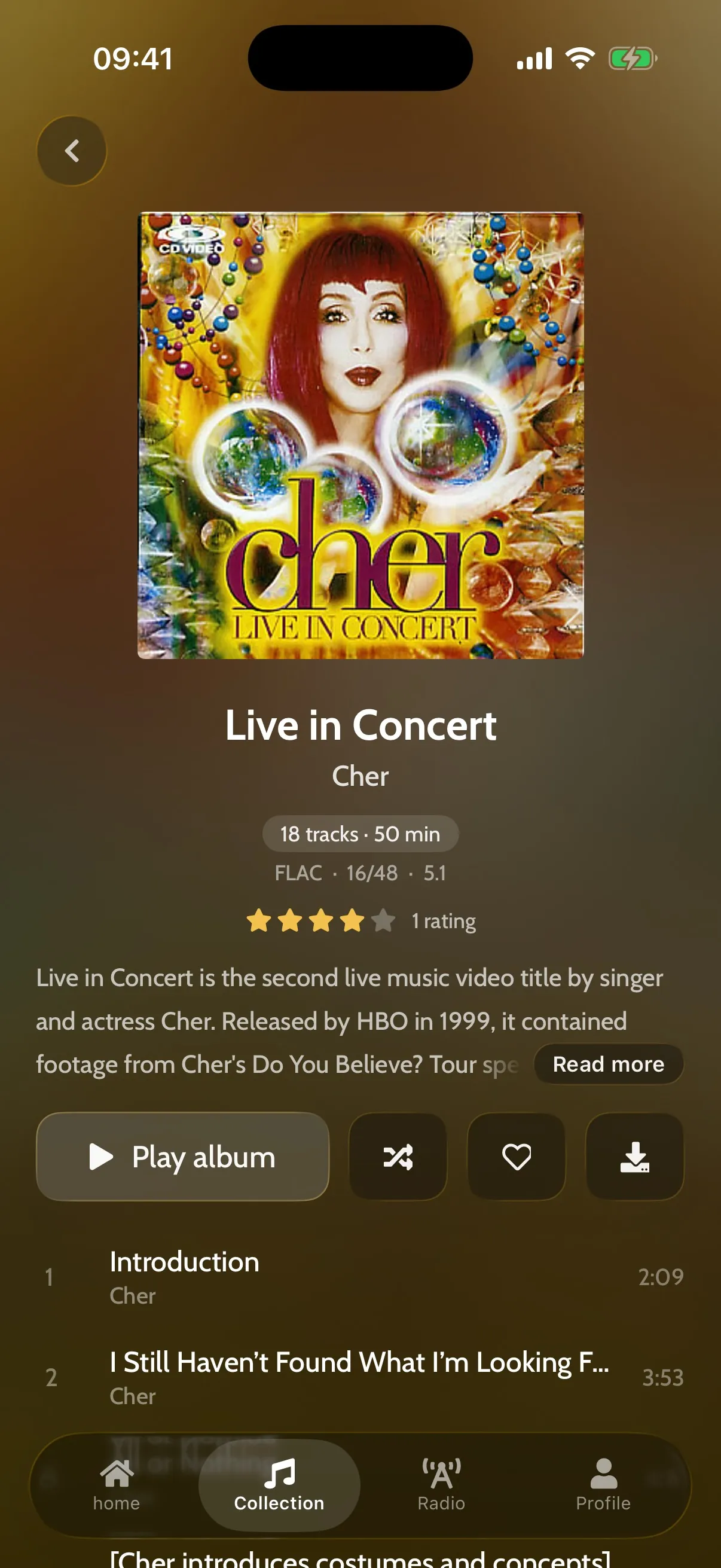
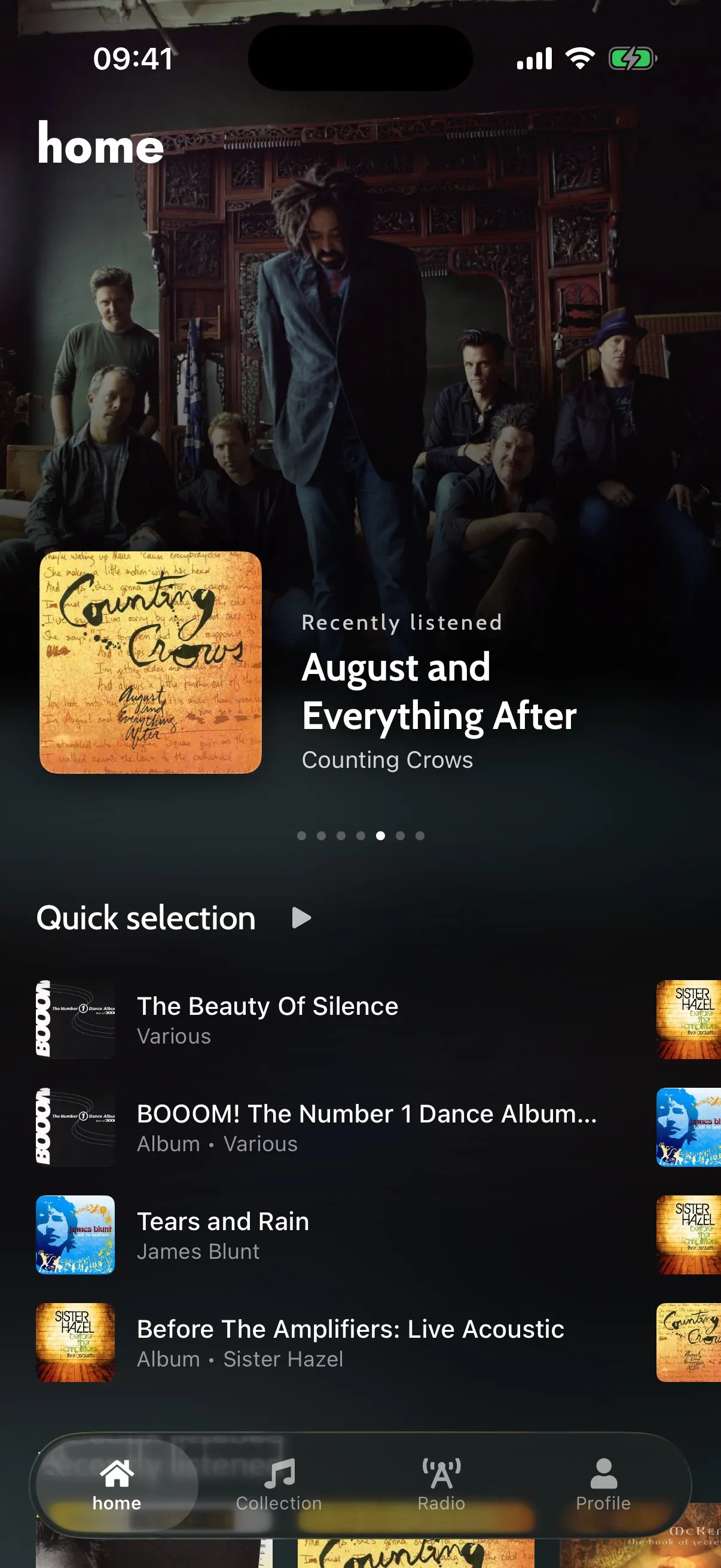
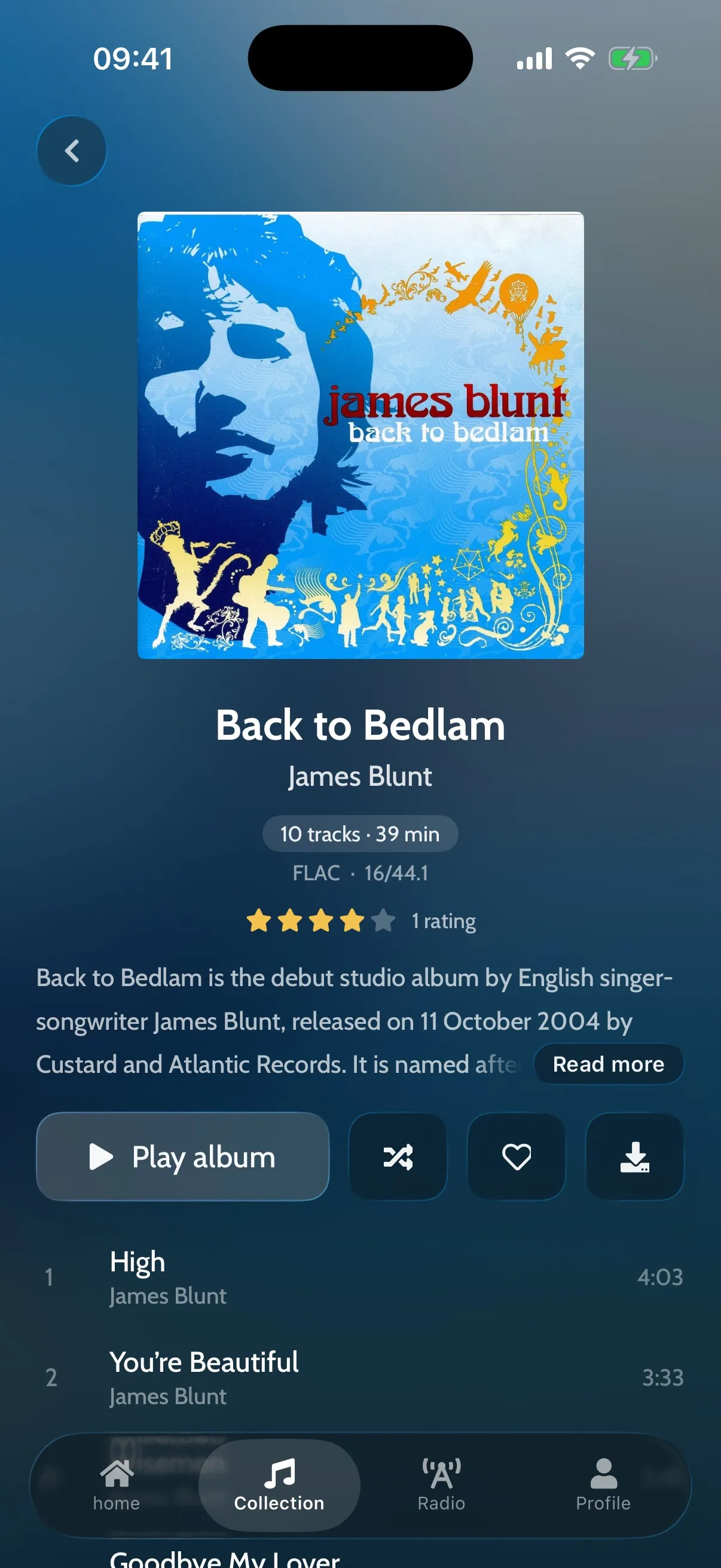
The app has four tabs: Home, Collection, Radio and Profile, with a mini player above them. The collection has the same album wall, artists, genres and playlists as on your computer.
Home
A banner of records to play, a quick selection of what you play most, and recommendations from how you listen.
Album wall
Every cover in your cloud library, searchable, sorted by artist, album, year, recently added or most played.
Artists and genres
Artist pages with popular tracks and the Wikipedia article; genre pages with eras, moods and notable artists.
Playlists
Your playlists and the lists rpm makes for you. Create a playlist and add songs on the phone.
Reviews
Read what other owners think of a record, rate it, write your own review, and vote.
Favourites
Heart songs and albums. The hearts sync with your computer.
the player.
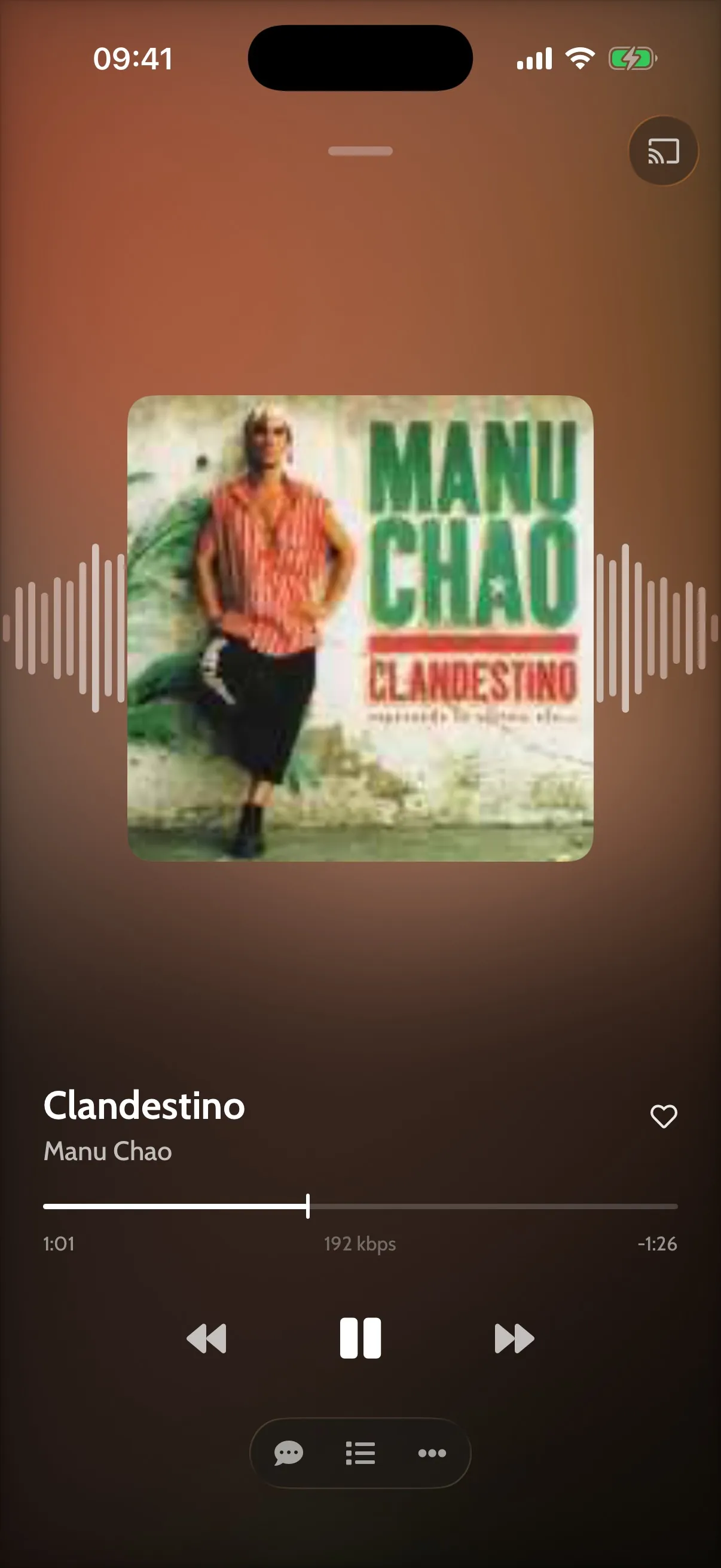
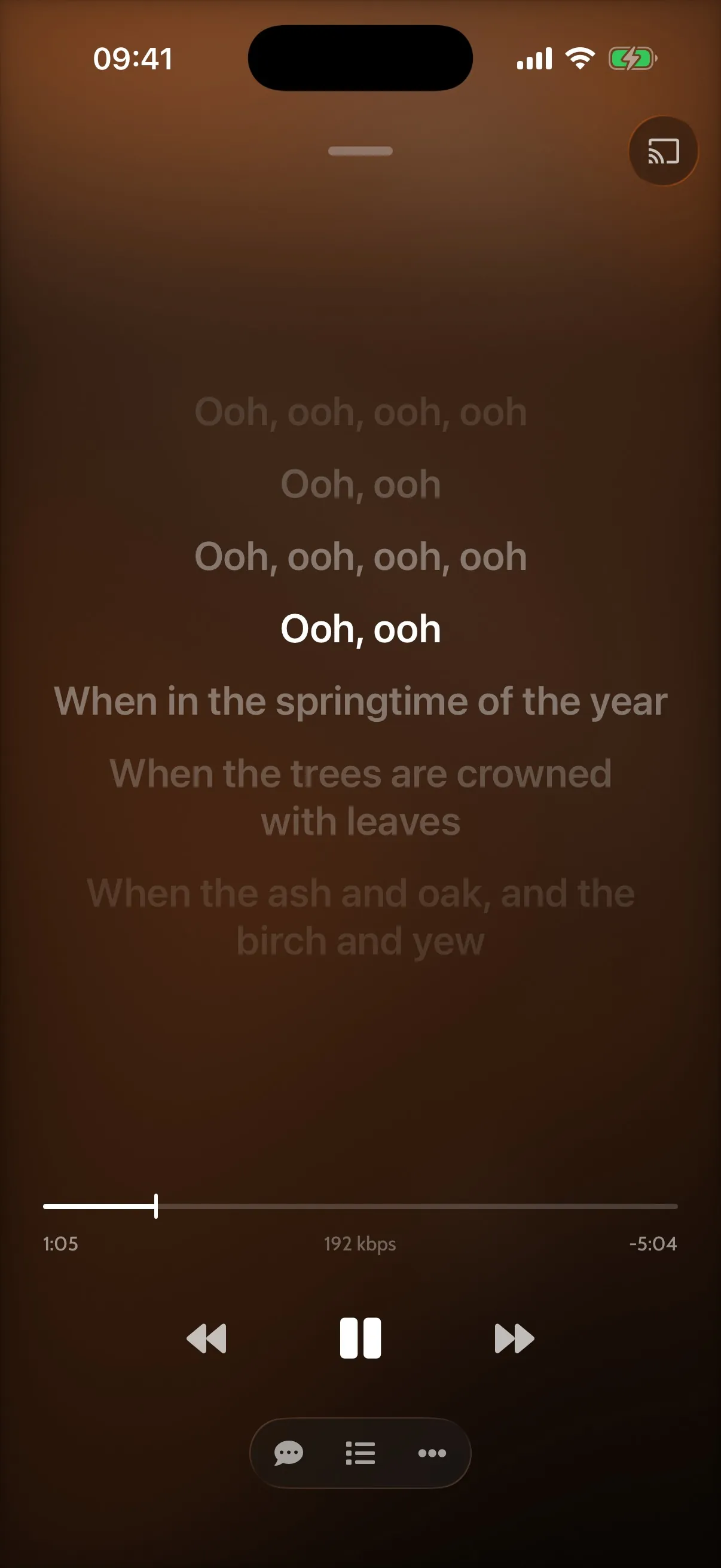
The player shows the cover over an animated background in the colours of the album, with a spectrum. Timed lyrics scroll with the song. Swipe the cover to change track; hold the play button to stop.
- The queue opens over the player: reorder it, shuffle the rest, or swipe a song to play it next.
- Swipe a track in any list to play it next, add it to a playlist or heart it.
- A sleep timer: 5, 15 or 30 minutes, an hour, or the end of the song.
- Playback can be controlled from the lock screen, Control Center, headphones and car steering wheel buttons.
landscape.
In landscape the screen shows either the artwork with the artist's photographs, which you swipe through and which are cropped around faces, or one of eight visualisers.
- Artwork
- The cover and a swipeable deck of artist photographs
- Visualisers
- Ribbon Sea, Low Frequency Flow, Chladni, Lattice, Kaleidoscope, Tunnel, Butterfly, Bloom
- Controls
- Fade away, or pin them on screen
Offline albums
Download whole albums in the background. The Downloads list shows the space used and removes several at once. Without a connection, rpm shows an offline bar and plays what is on the phone.
Play on a speaker
Send music or radio to Google Cast speakers, groups and TVs. The phone's volume buttons turn the speaker up and down.
Radio
Internet radio with a dial and a search, filters for genre and country, saved stations and the song on air.
A friend's collection
Switch to a collection a friend shares with you, and play their cloud music.
Gapless and fast start
Albums play without gaps. The first seconds of each track are cached, so playback starts immediately.
Backgrounds
Default, Vinyl, Night, Pegasus, and Gold for supporters.
The cloud
100 gb of cloud storage.
Every account includes 100 GB of cloud storage; supporters have no limit. rpm on your computer uploads the music in its original quality. The phone streams it at the quality you set for Wi-Fi, for mobile data and for downloads.
requirements.
- iPhone
- iOS 17 or later
- Account
- An rpm account: sign in with Apple, Google, or email and password
- Music
- Uploaded to the cloud from rpm on your Mac or PC
- Languages
- English, French, Spanish, German, Simplified Chinese

join the closed beta.
We are choosing a limited number of beta testers. They get the desktop app, the iPhone app, 100 GB in the cloud and the supporter perks.