 Skip to content
views.
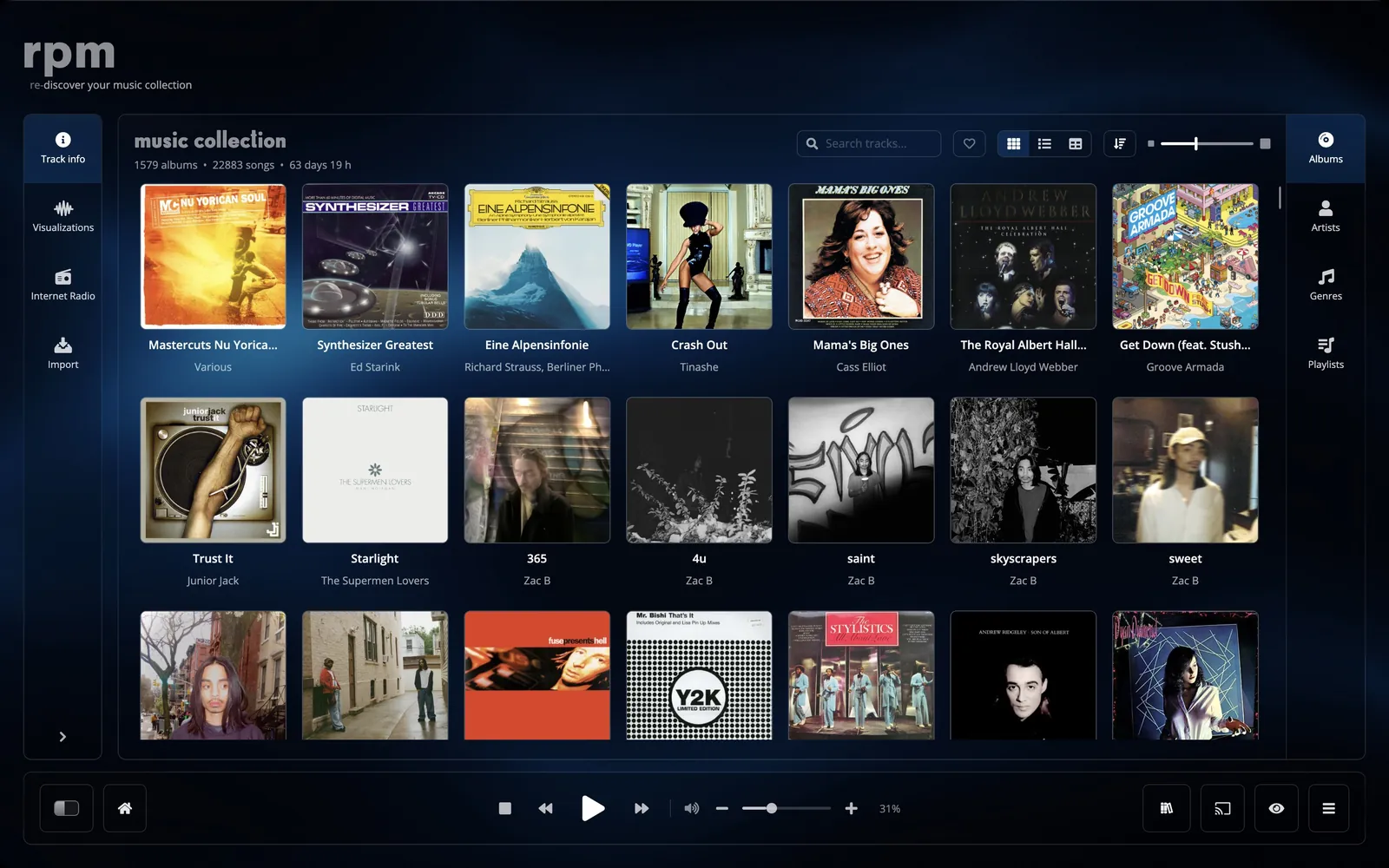
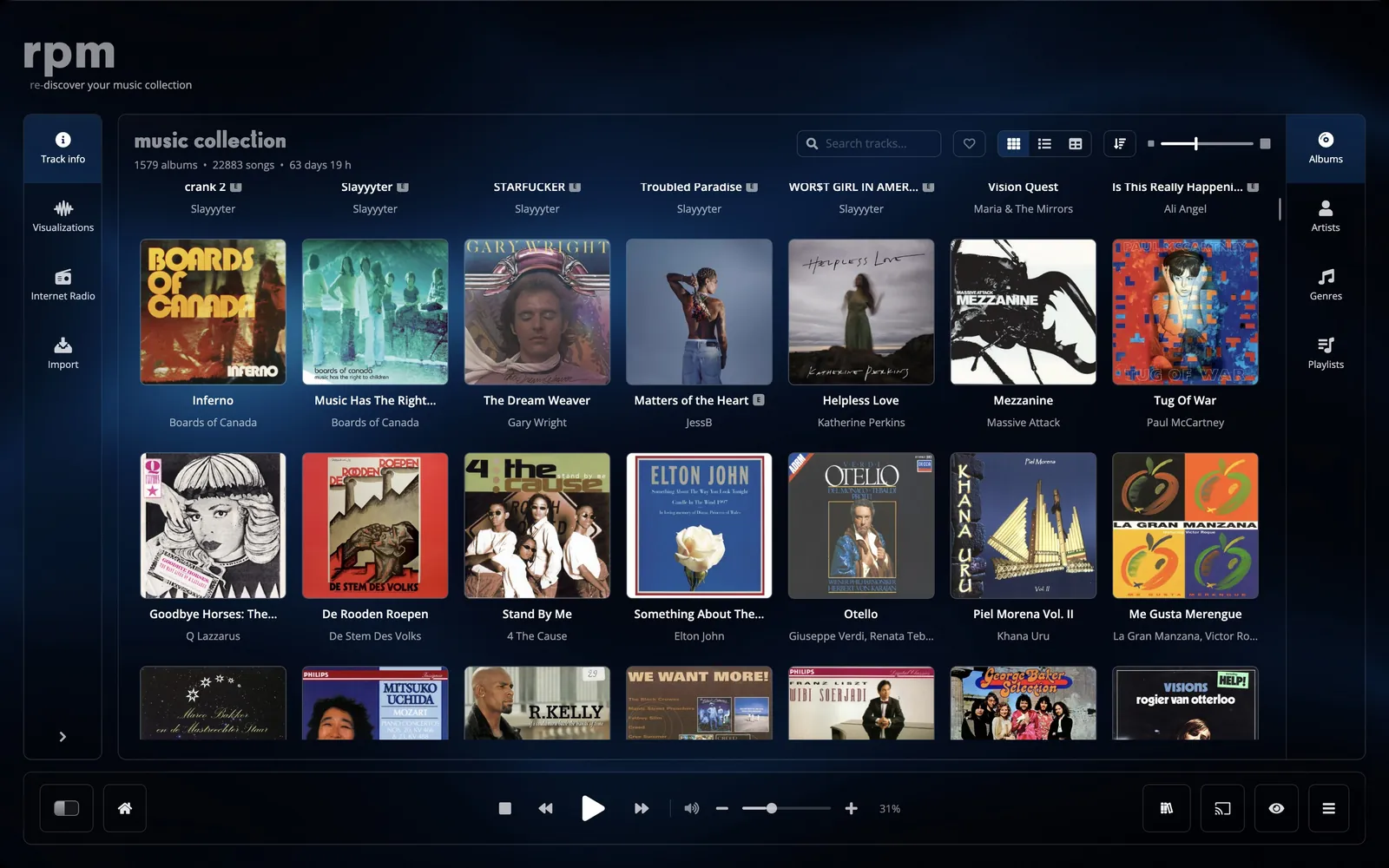
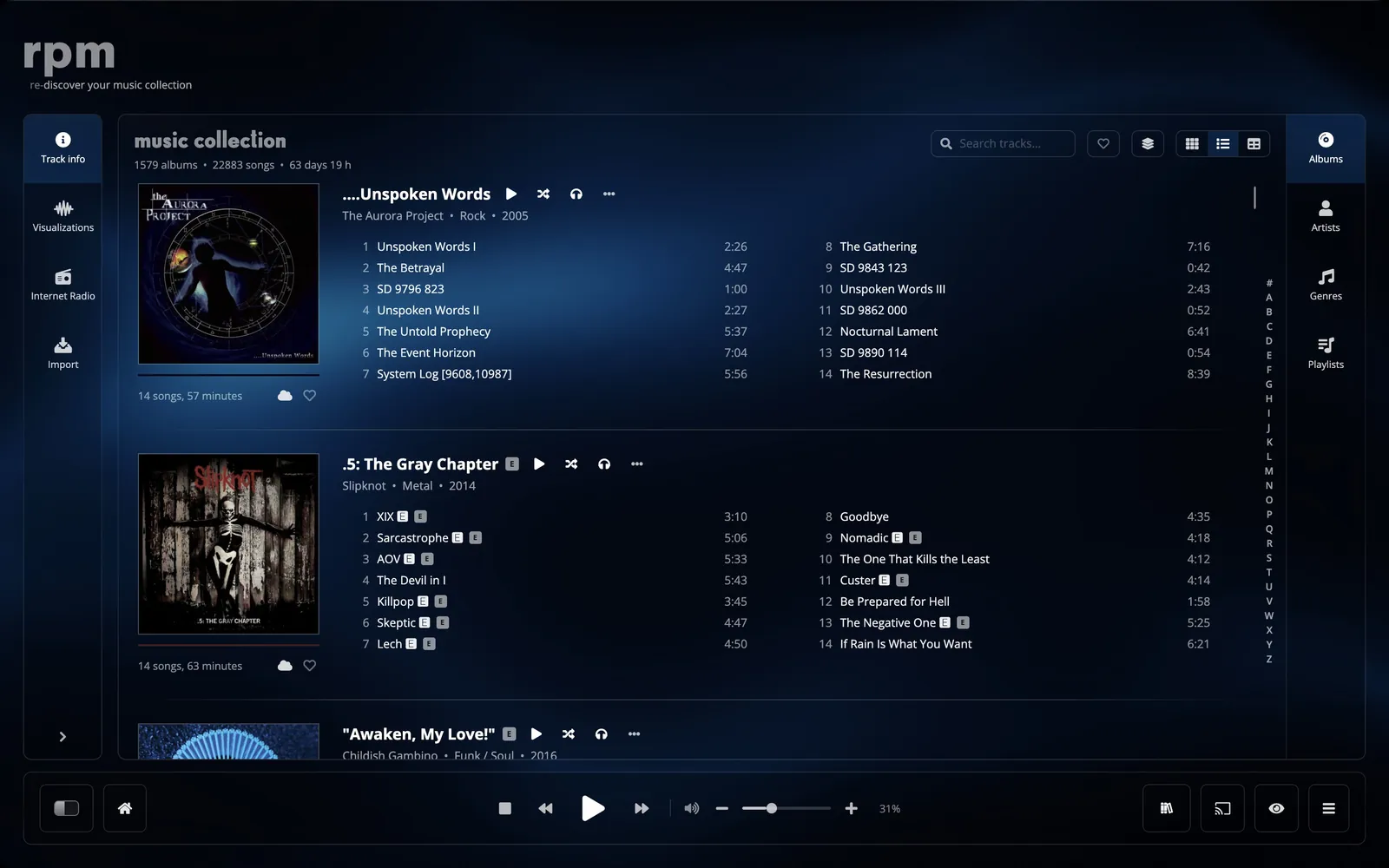
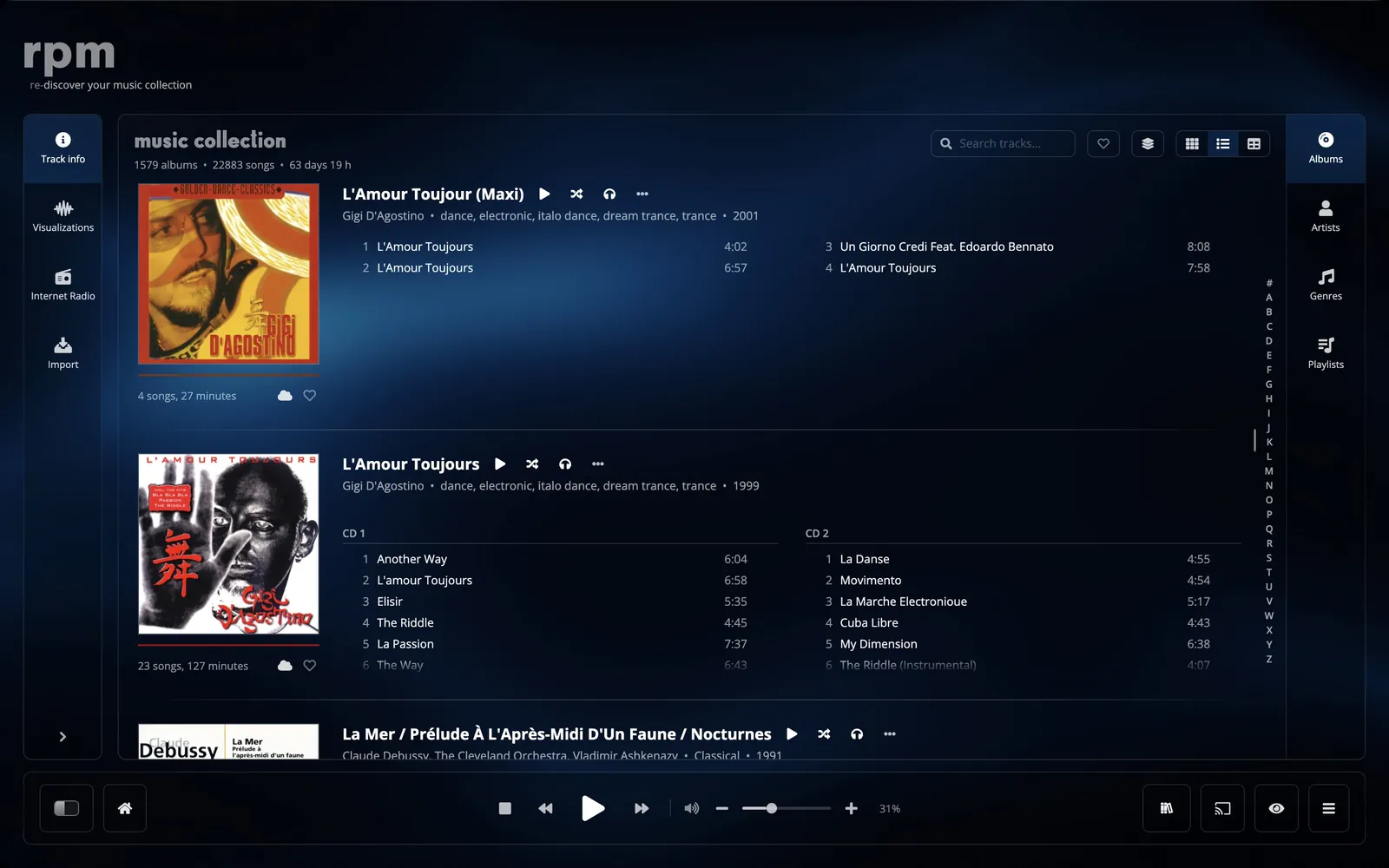
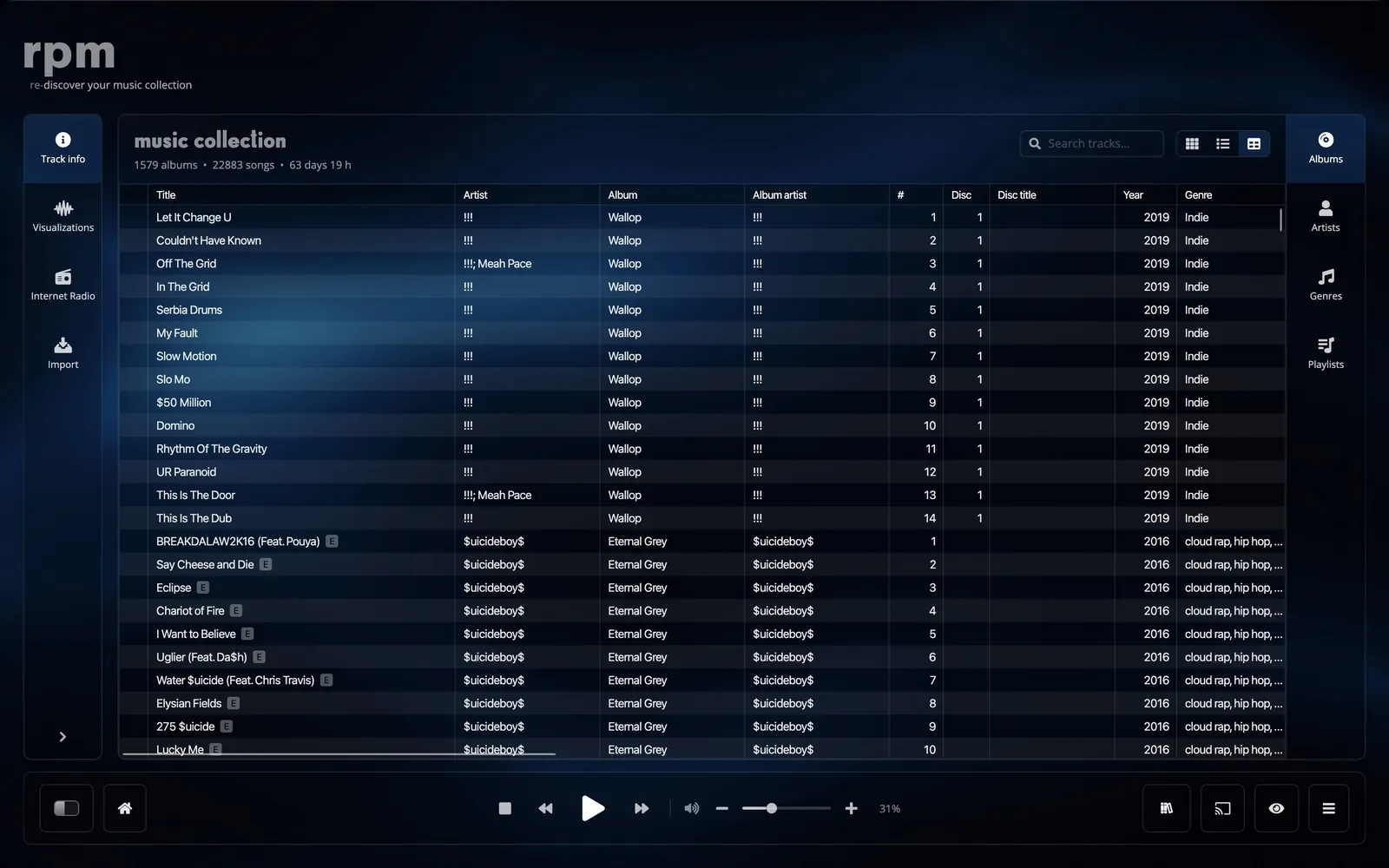
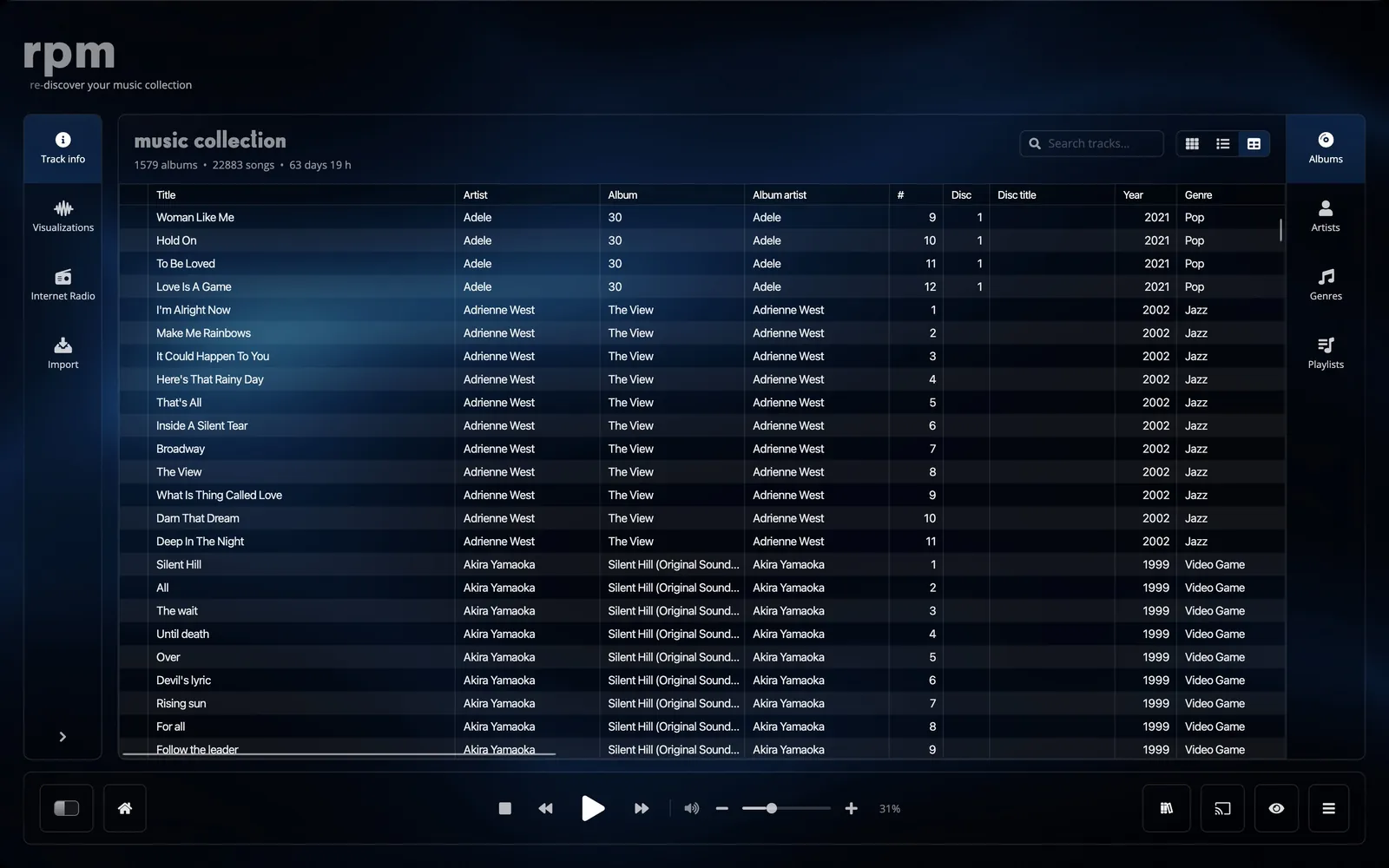
rpm shows the same library in several views: an album wall, a list with each album's tracks, and a table with a column for every detail. Pegasus is a full-screen player for a TV or a large screen. RPaMp is a small player that stays out of the way.
home.
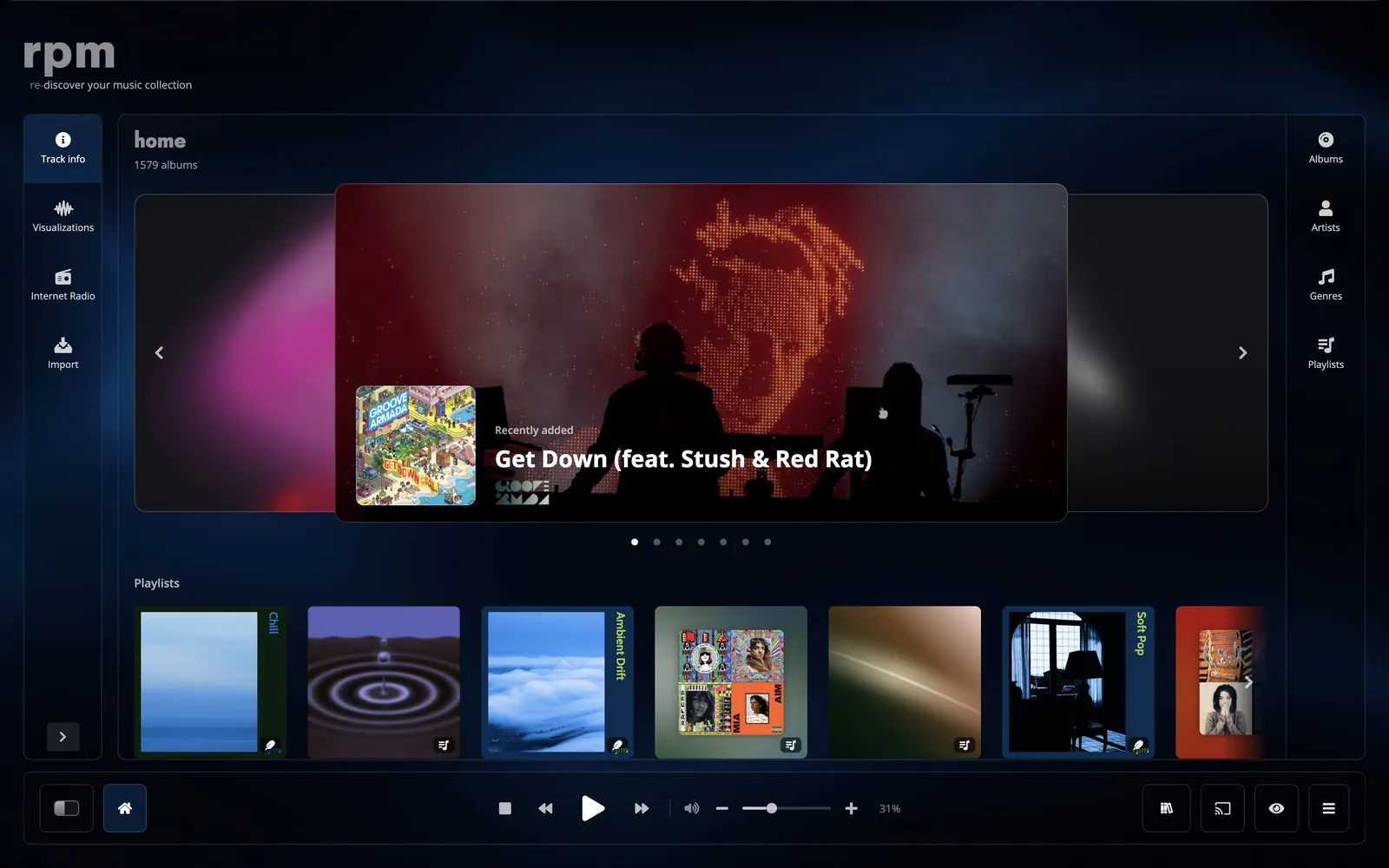
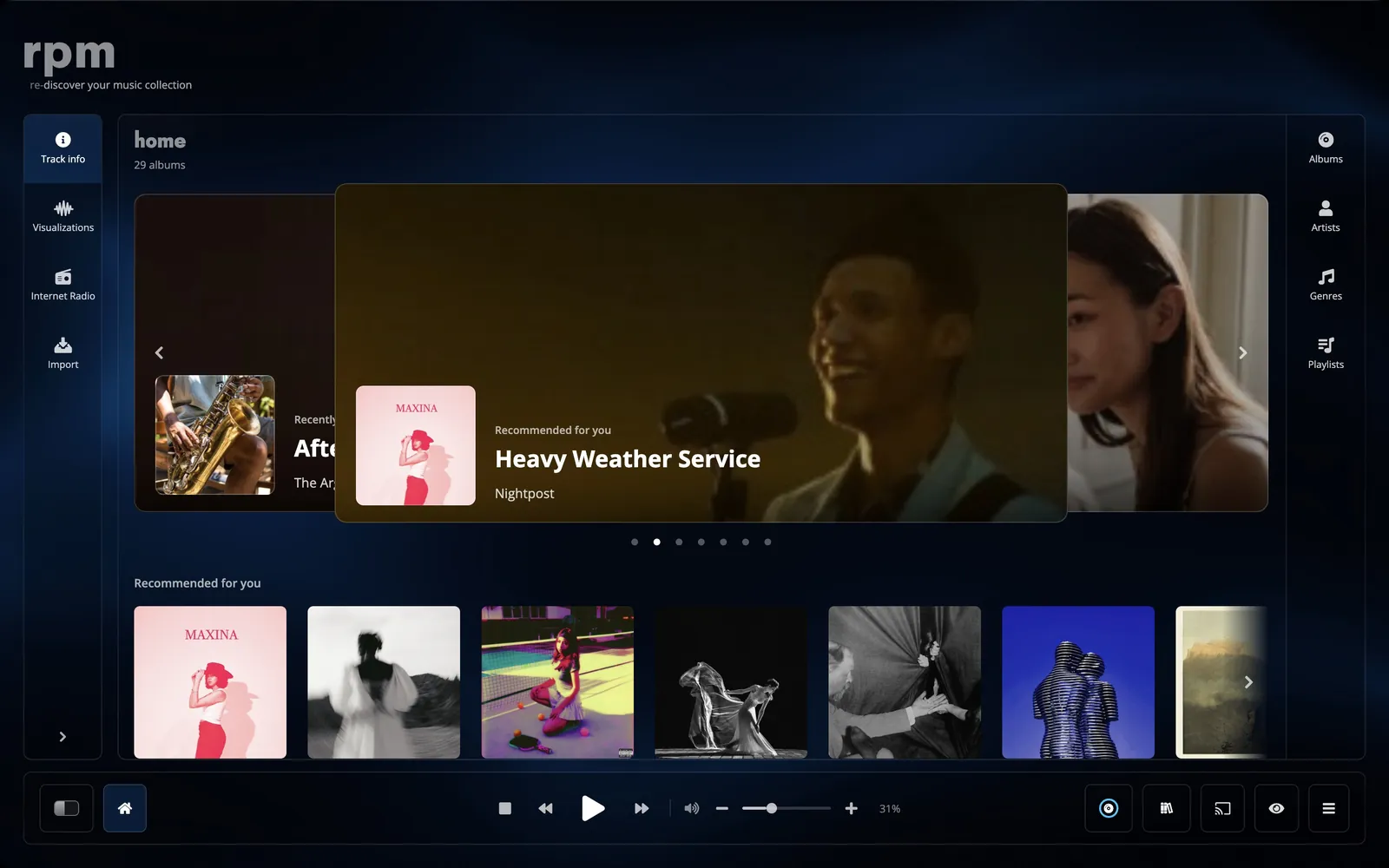
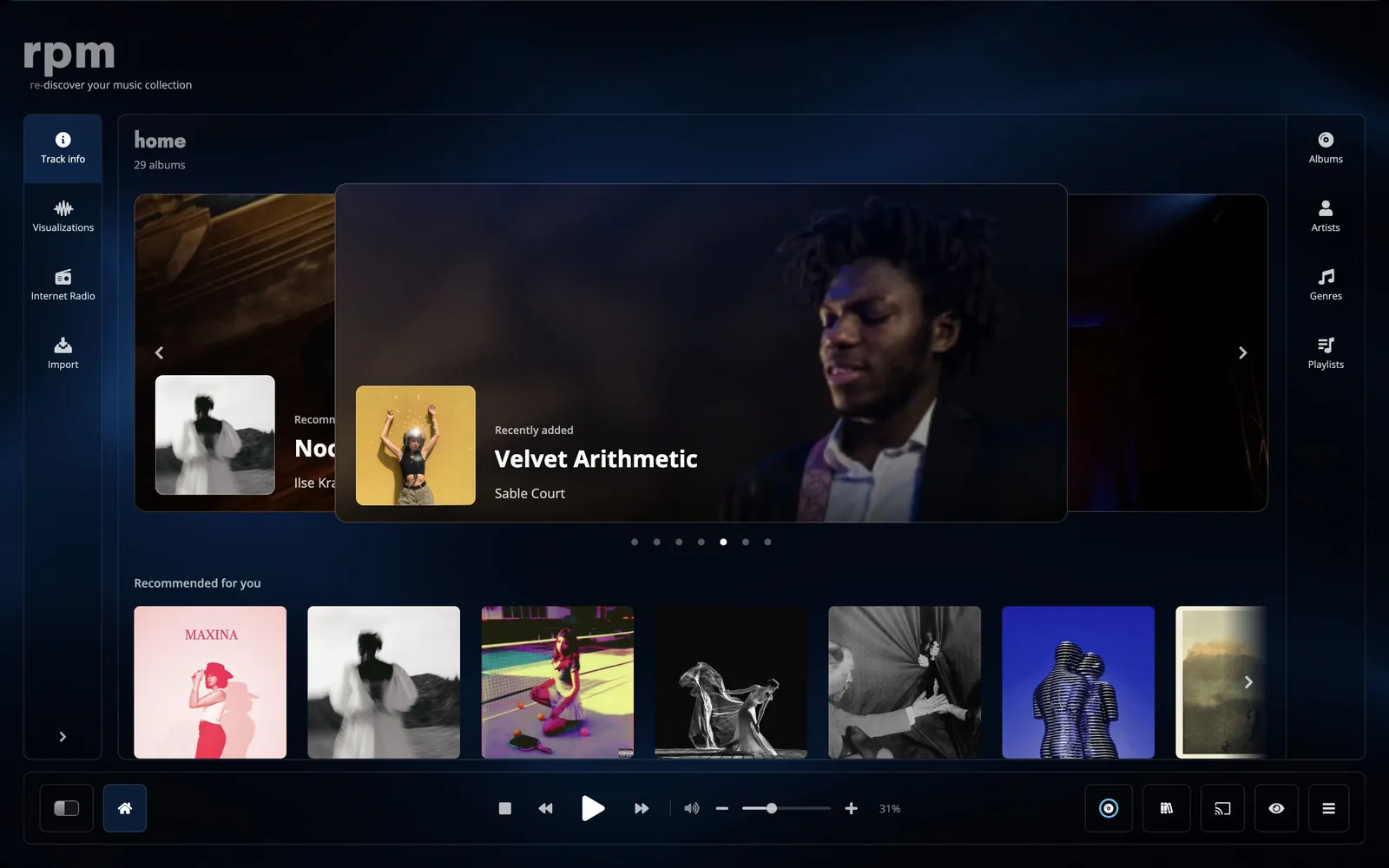
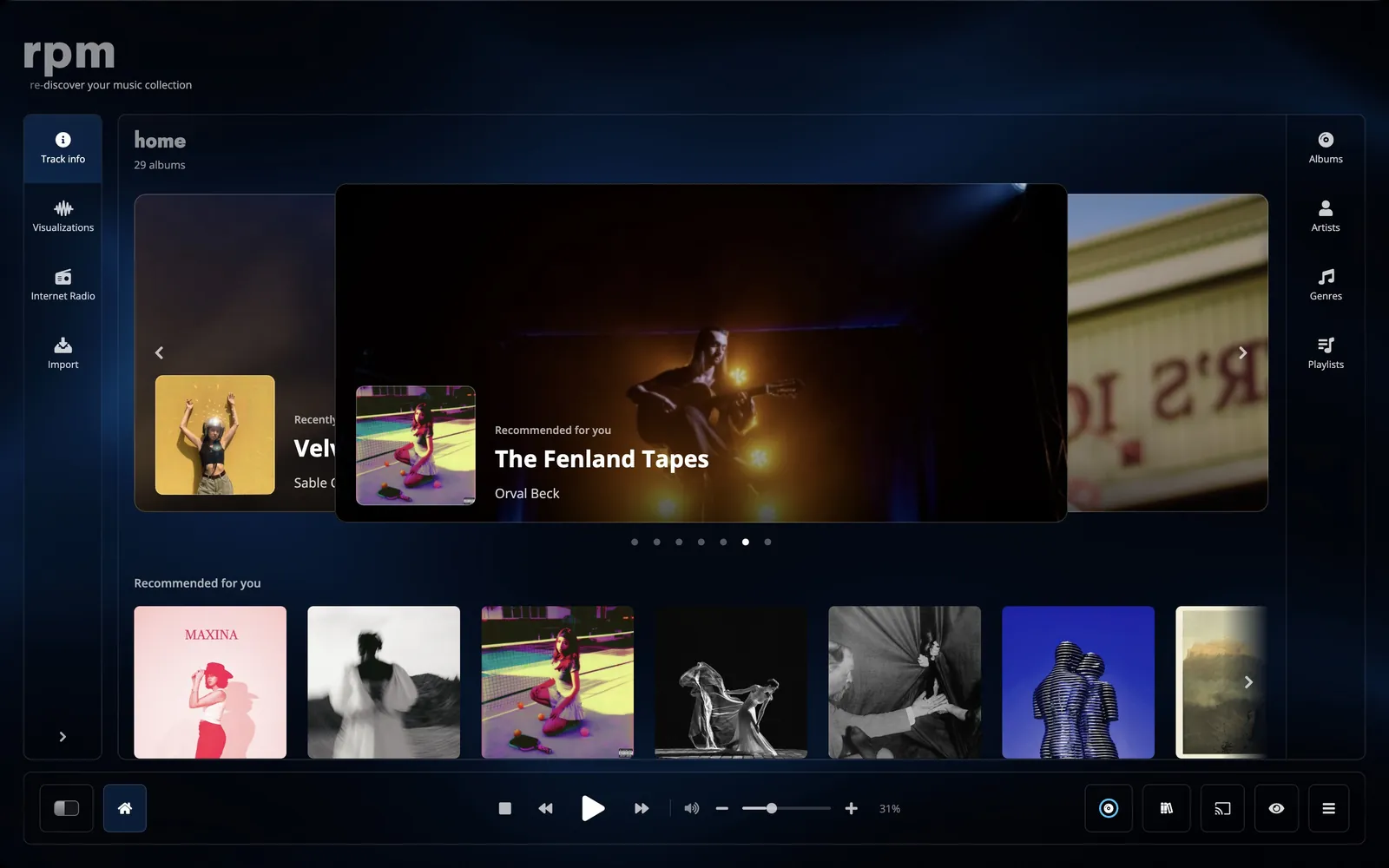
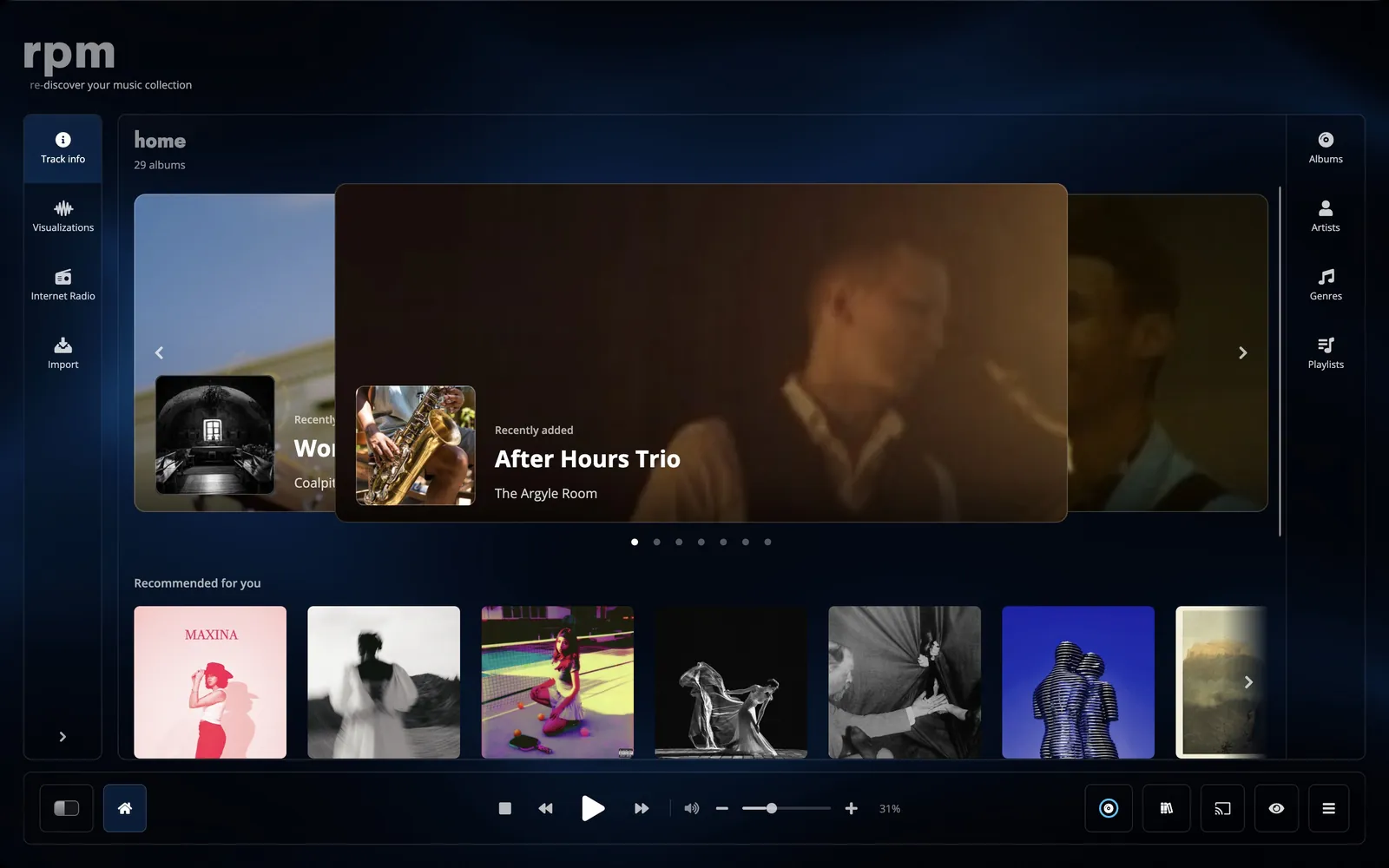
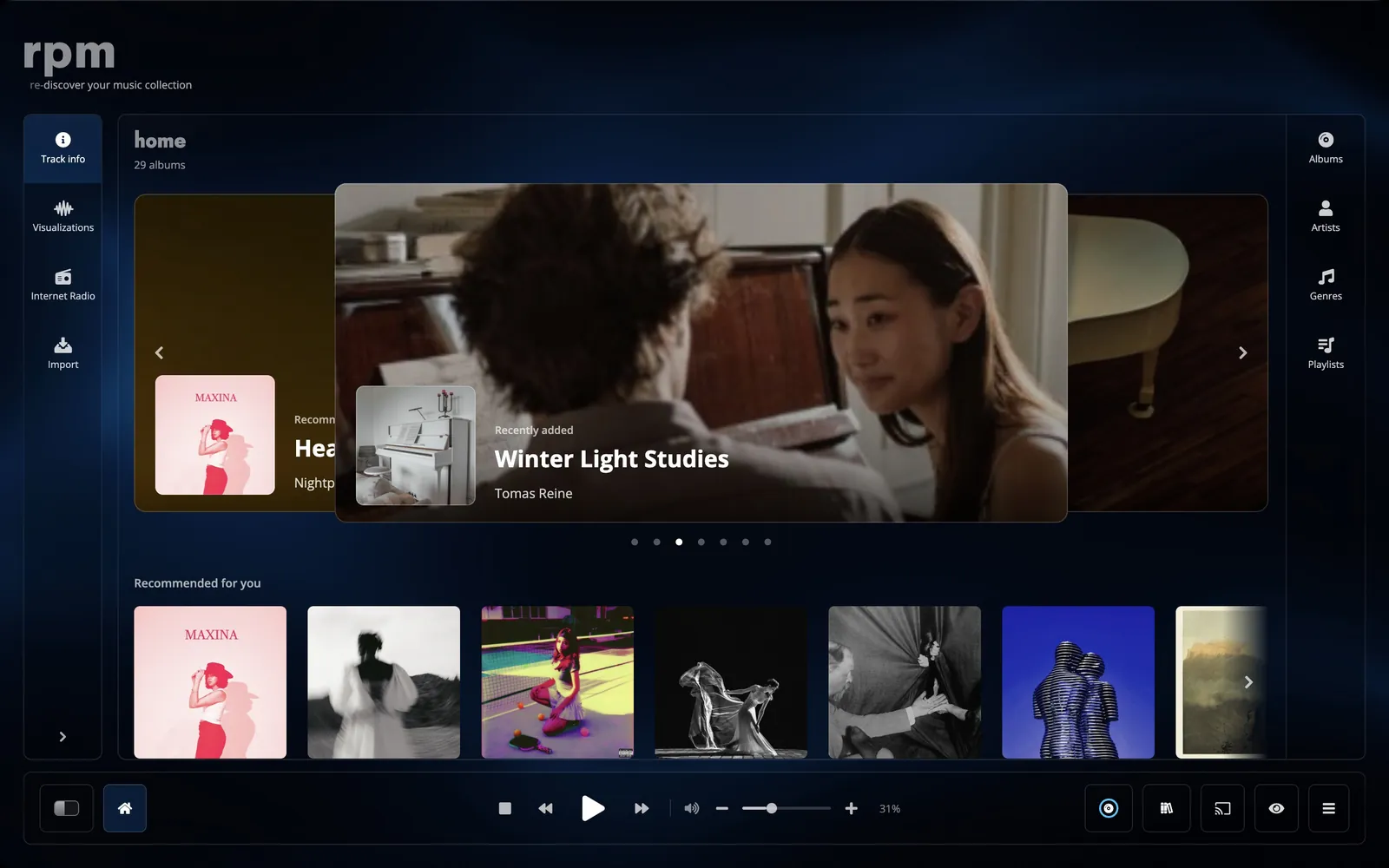
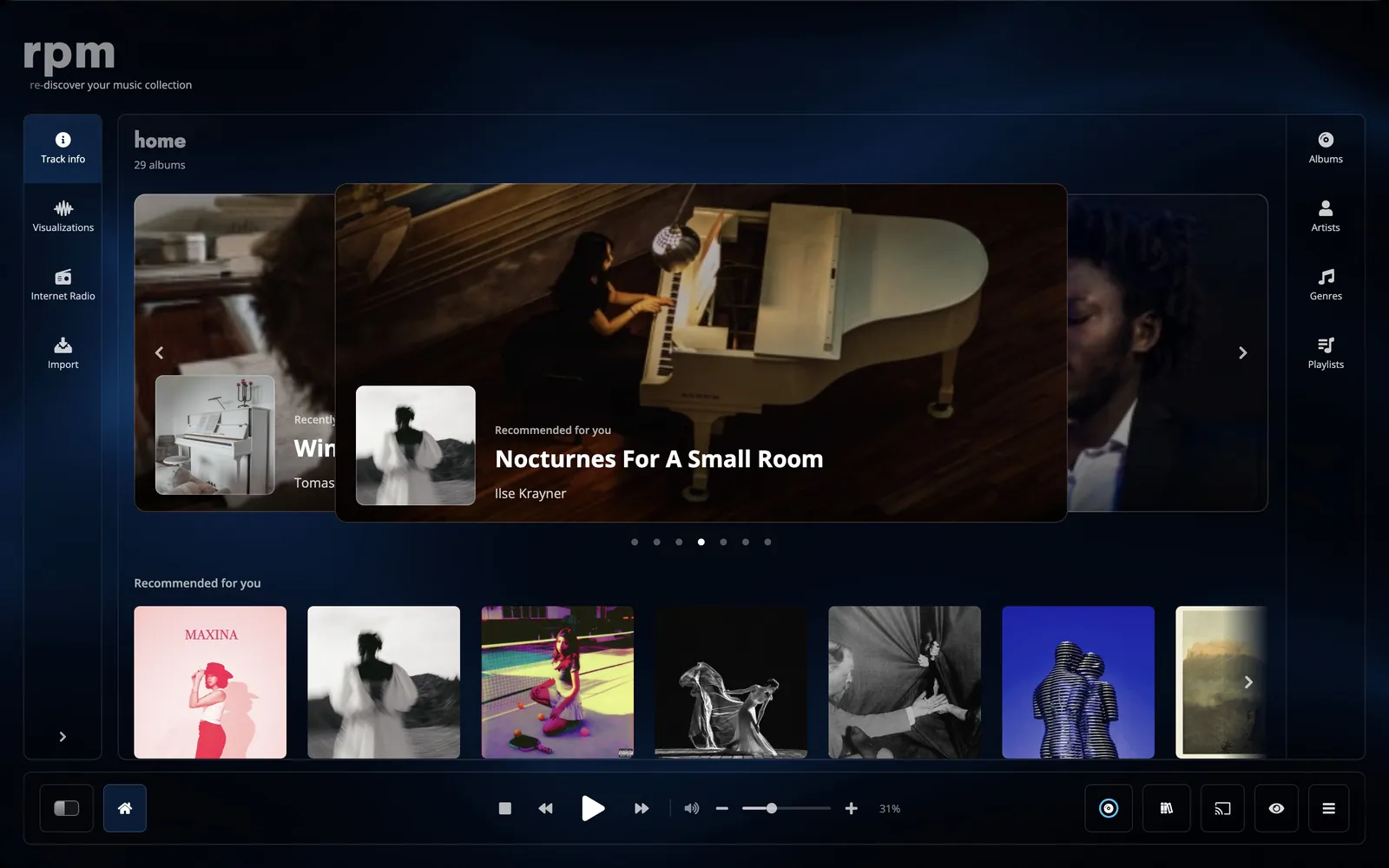
Home is the first page. It has a banner of albums to play, a quick selection of the songs, albums, playlists and stations you play most, and rows of albums: recently added, recommended, based on your listening and most played. The selection changes every time you open rpm.
Library
wall, list or table.
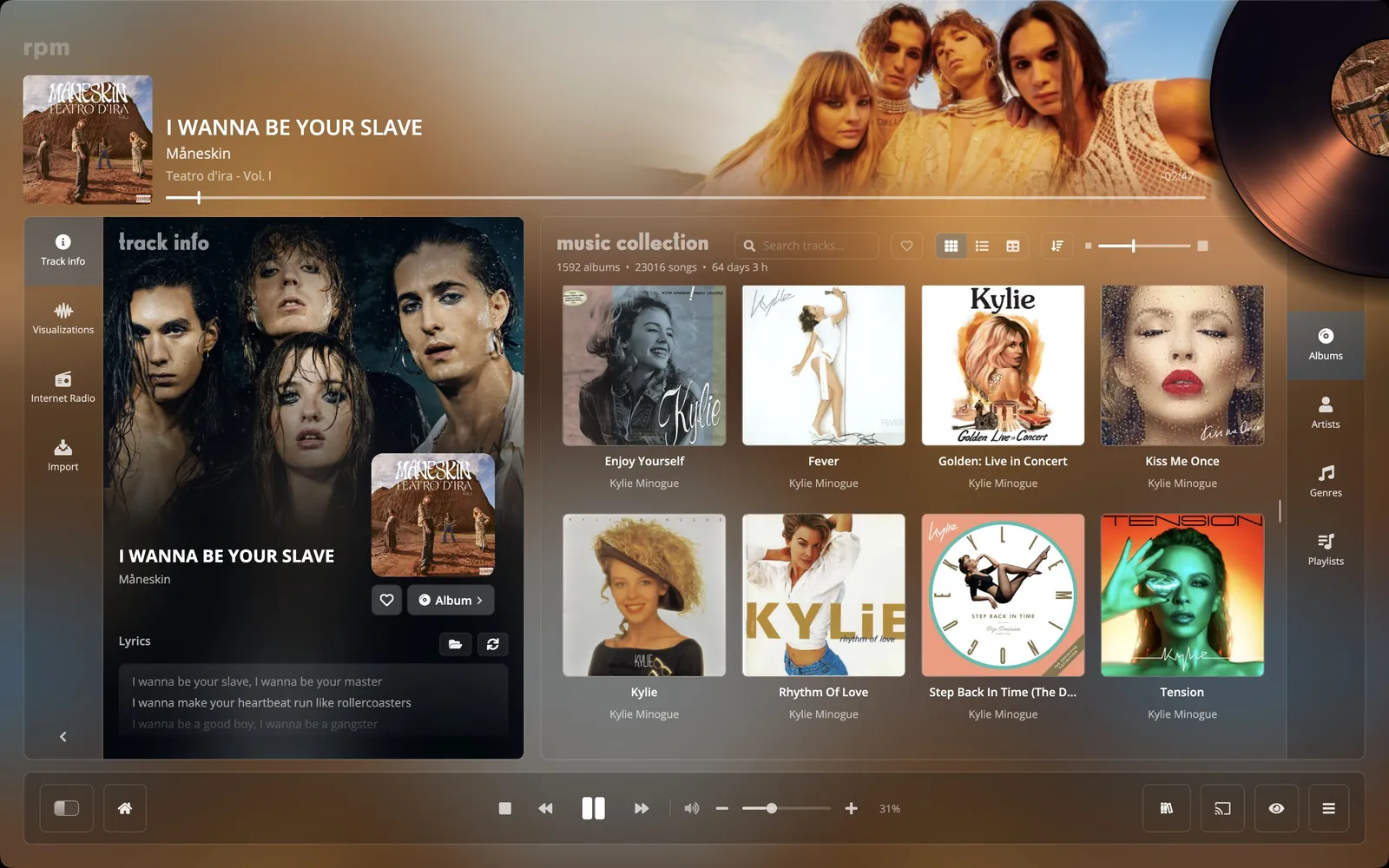
The album wall shows the covers, at a size you set with a slider. The list shows each album with its tracks beside it. The table has a row per track and up to 27 columns, from bit depth to the folder the file is in.
Artists and genres
artist and genre pages.
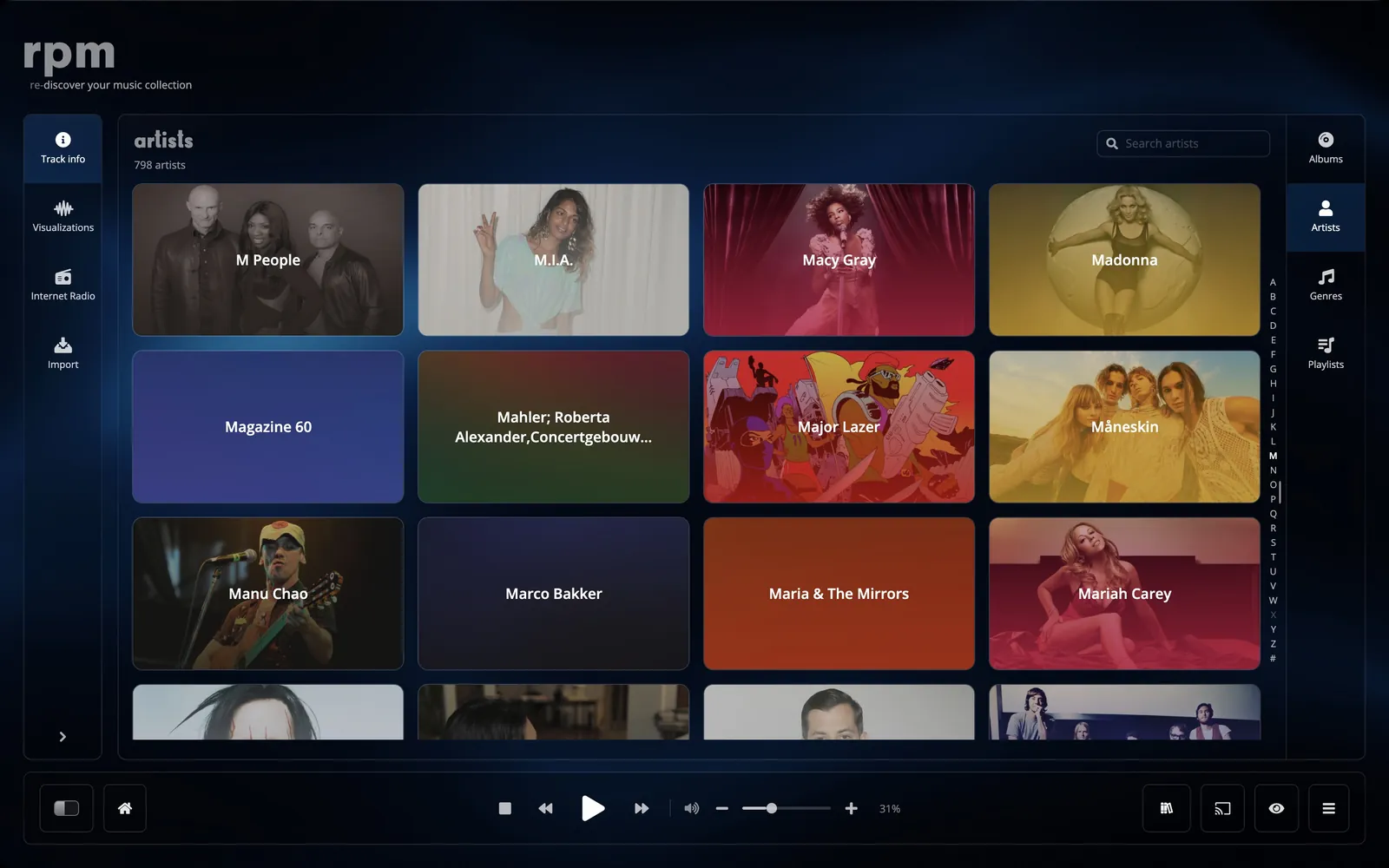
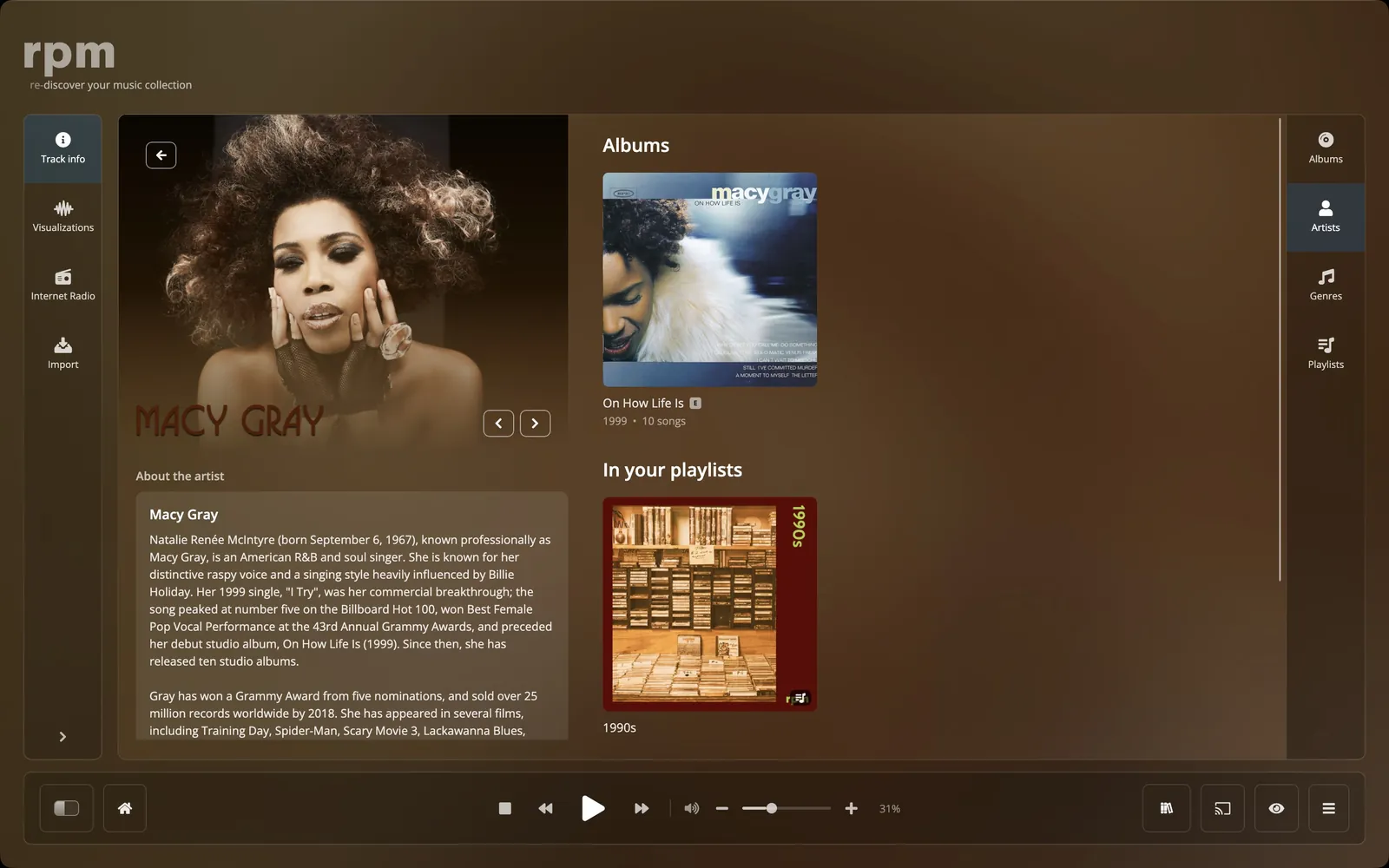
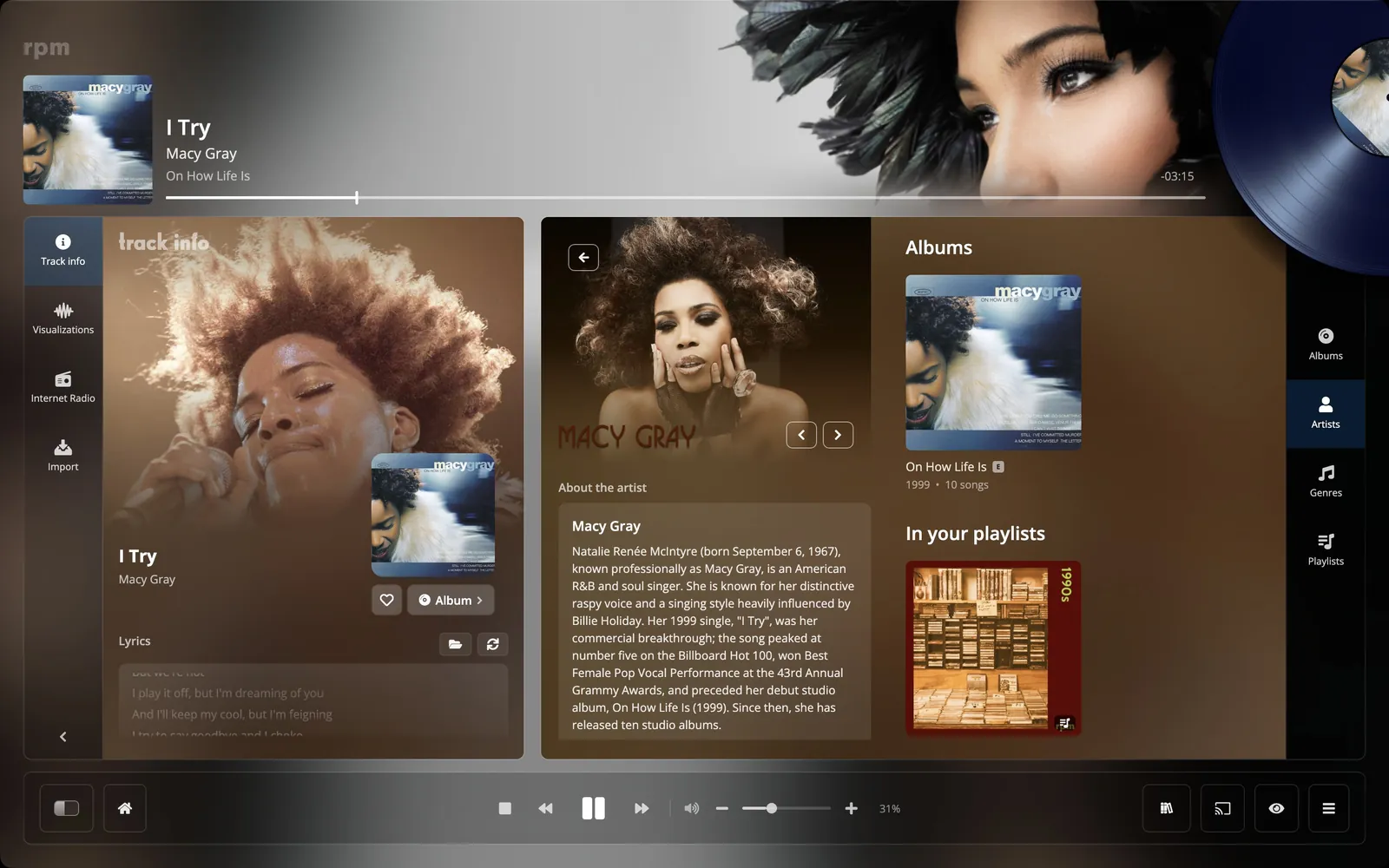
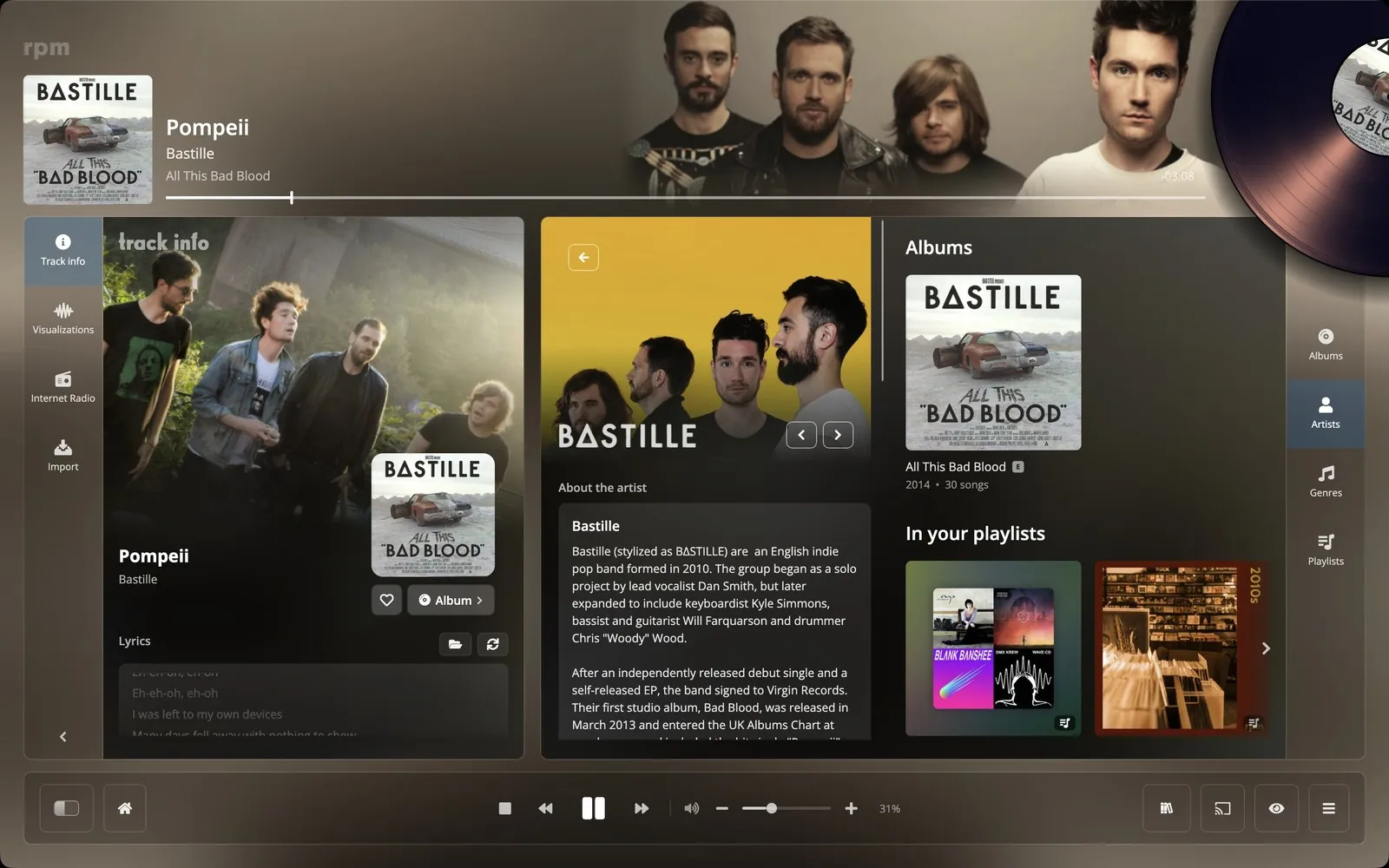
Each artist has a page with photographs, the Wikipedia article, the band members, your albums grouped into studio, live, soundtracks, compilations and singles, and their most collected records on Discogs.
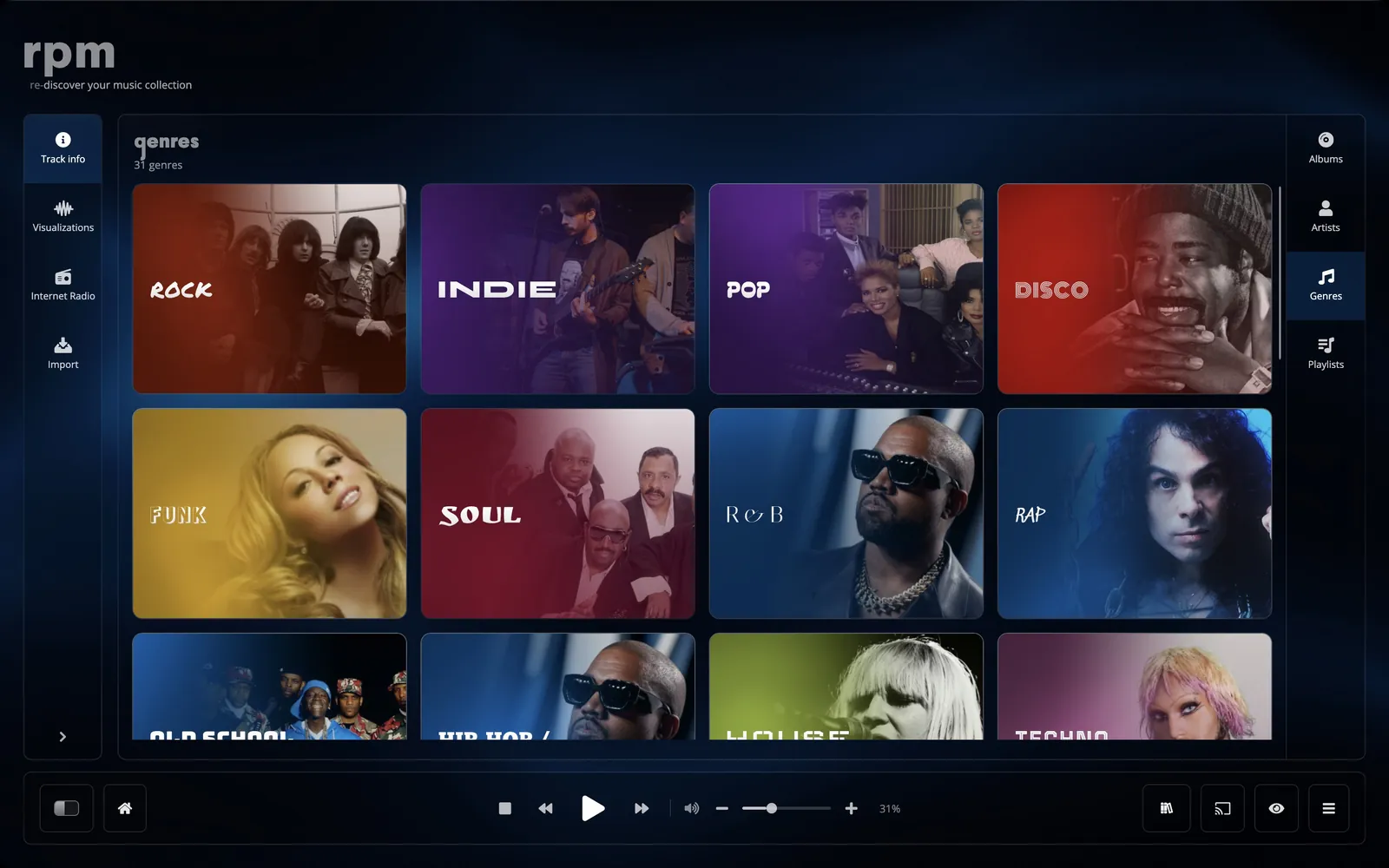
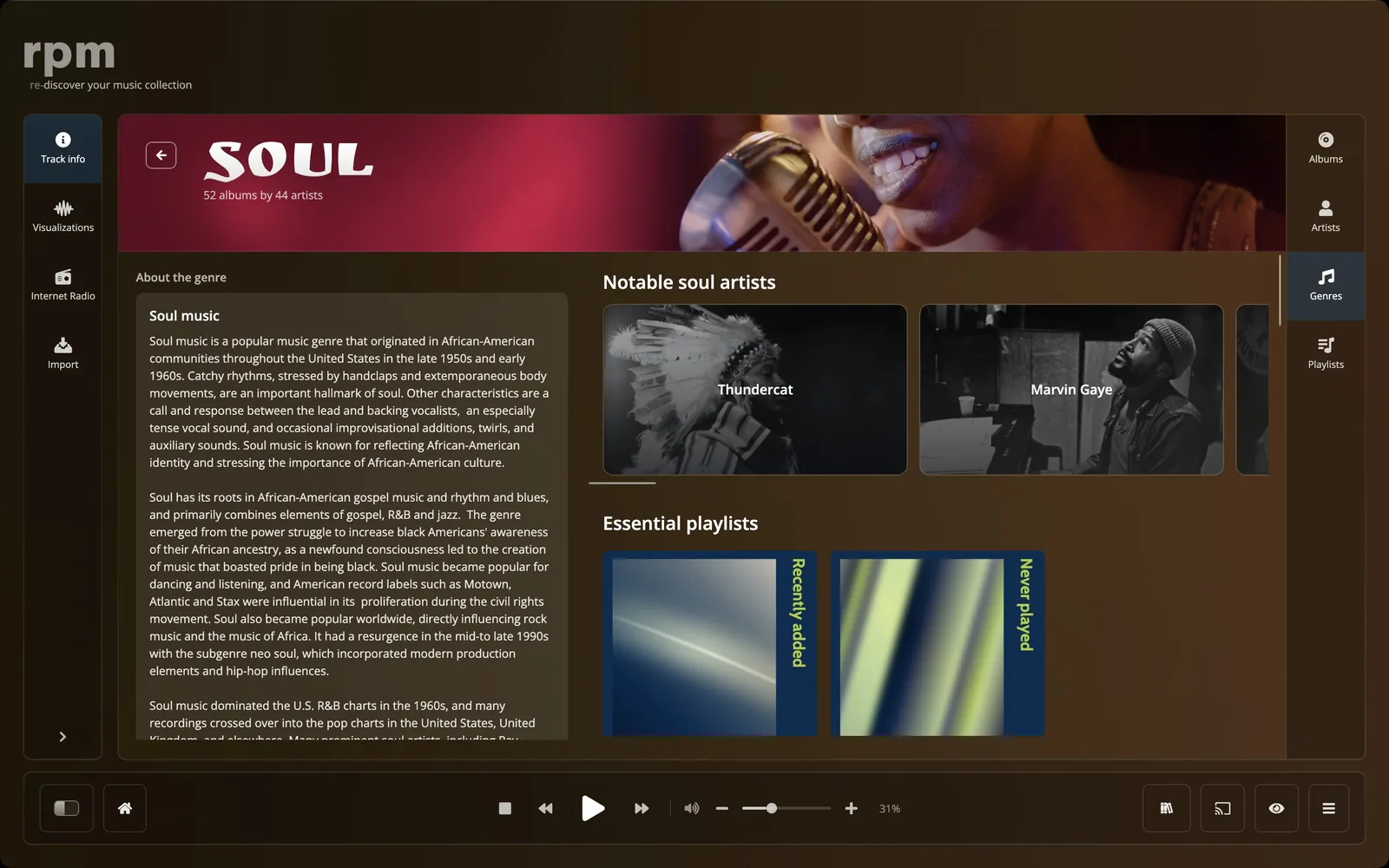
Each of the 35 genres has a page with the Wikipedia article, its subgenres, notable artists, popular tracks and playlists by mood and decade.
track info.
The Track Info pane shows the song that is playing: lyrics in time with the music, the credits, file details, the Wikipedia articles on the album and the artist, and links to the artist's own pages. While a song plays, the window takes its colours from the cover.
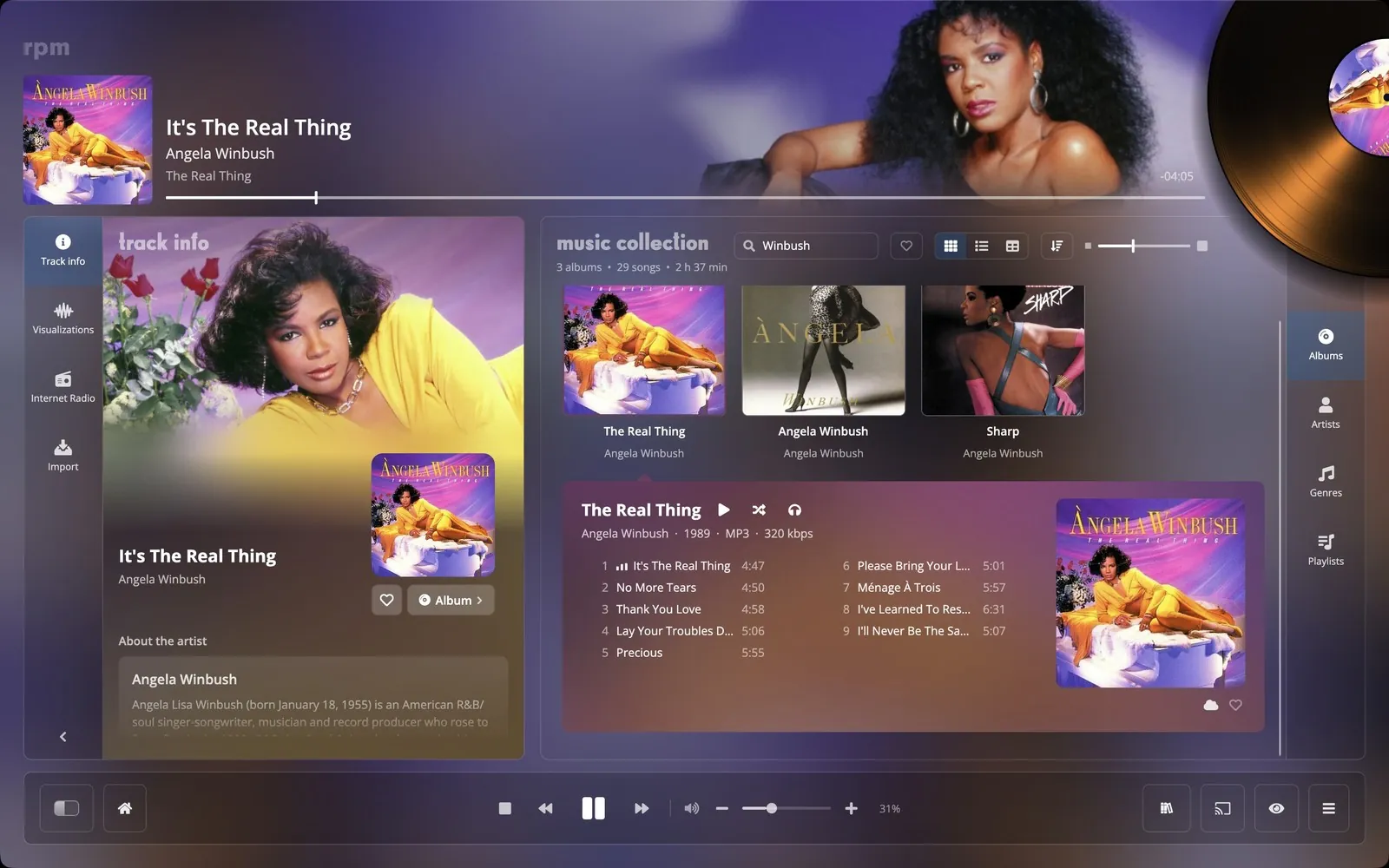
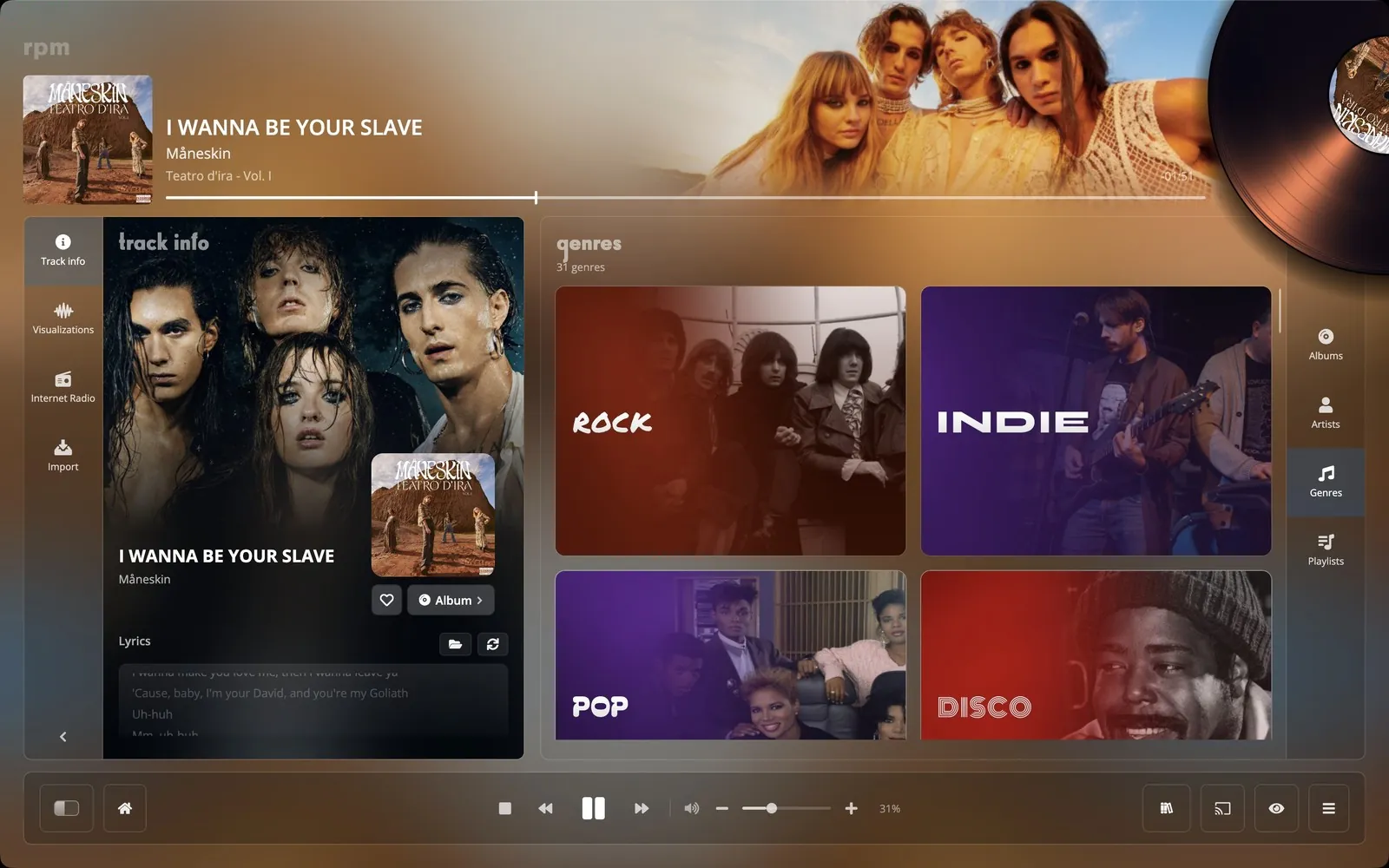
pegasus, the full-screen player.
Pegasus fills the screen with the album that is playing: the record half out of its sleeve, a background in the colours of the cover, and a spectrum that follows the music. It can show the lyrics, and you can browse your collection in it with a TV remote, the arrow keys or a game controller.
rpamp, the small player.
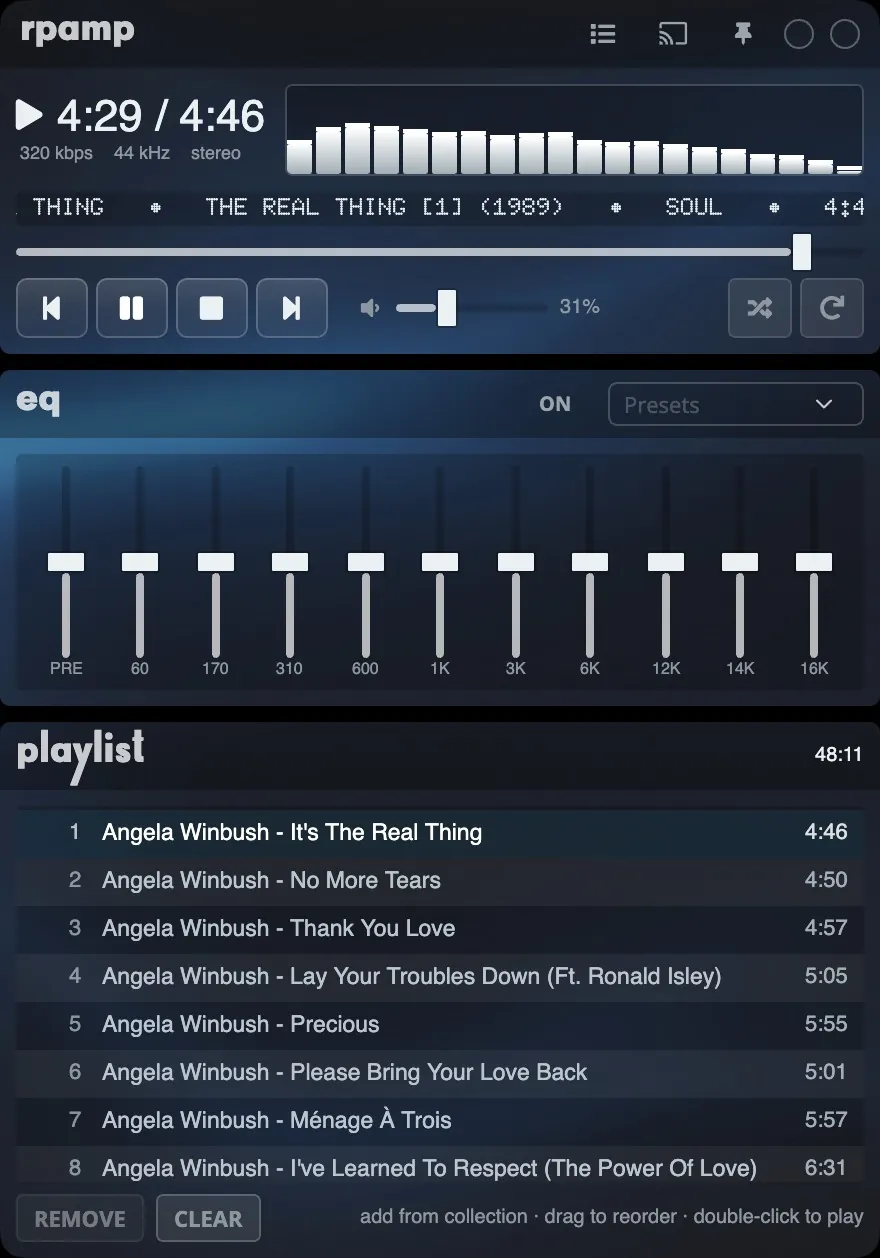
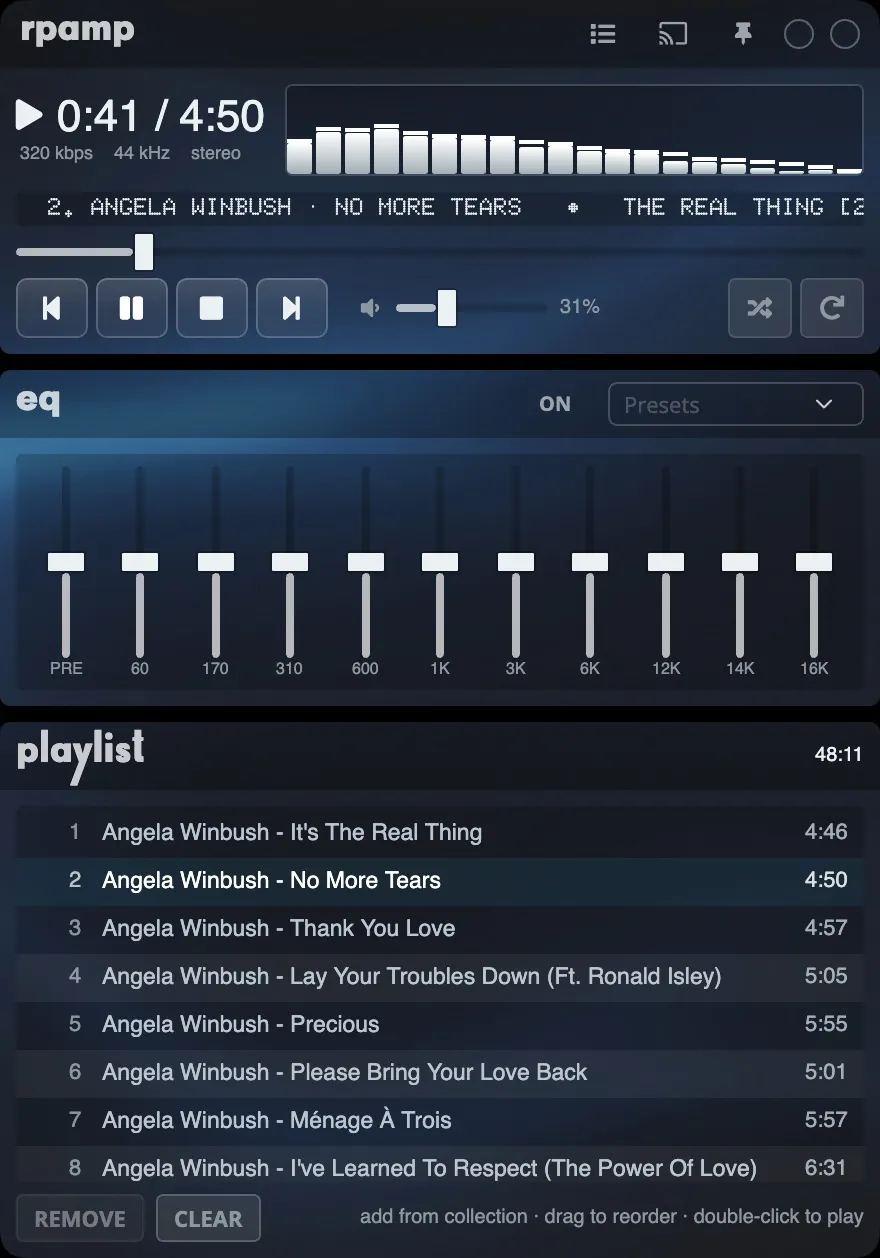
RPaMp is a small player window, laid out like the classic desktop players: a 10-band equaliser with presets, a playlist you can reorder, a browser for your collection, and a spectrum. It can stay on top of other windows.
settings.
Backgrounds
Default, Night, Pegasus, or a picture of your own. Gold for supporters.
Turning record
A record in the colour of the sleeve turns in the header while a song plays. It can be switched off.
Artist photographs
Shown behind the header and on artist pages. You can choose your own and position them.
Visualisers
Eight full-screen visualisers, from Ribbon Sea to Kaleidoscope.
Search
Cmd or Ctrl+F jumps to the search field of the screen you are on.
Five languages
English, French, Spanish, German and Simplified Chinese.
join the closed beta.
We are choosing a limited number of beta testers. They get the app, 100 GB in the cloud and the supporter perks.